
 之前之后
人像与面部
Frontal Fix
Select one or multiple faces and adjust them to a front-facing view for a more balanced and clearer portrait.
每次一张
选择功能,上传一张照片,几秒后即可查看效果。满意的话,下载 Foneo 桌面应用即可批量处理并导出高质量图片。

 之前之后之前之后
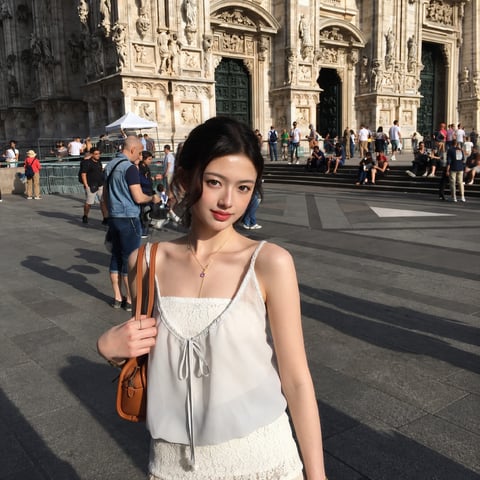
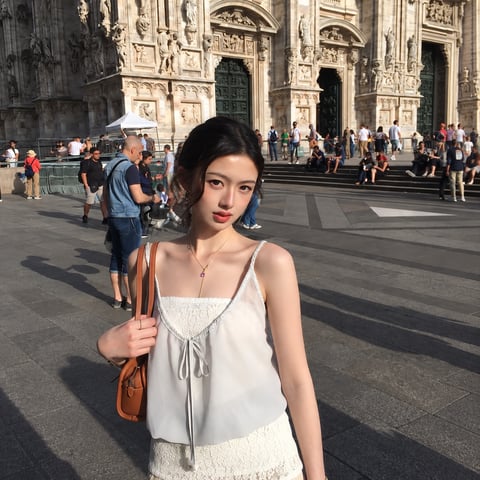
Select one or multiple faces and adjust them to a front-facing view for a more balanced and clearer portrait.
 之前之后
Enhance portraits by refining facial details, optimizing lighting, and improving image clarity for a more natural and polished look.
 之前之后
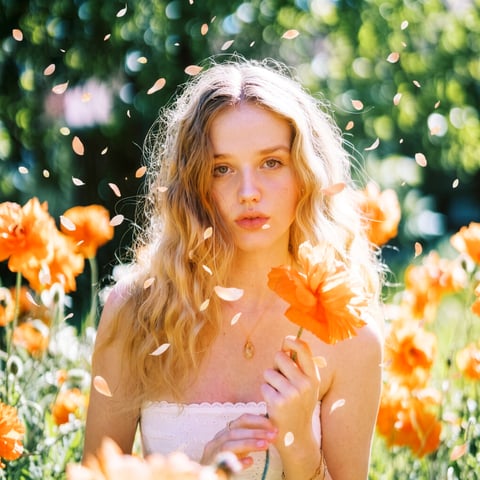
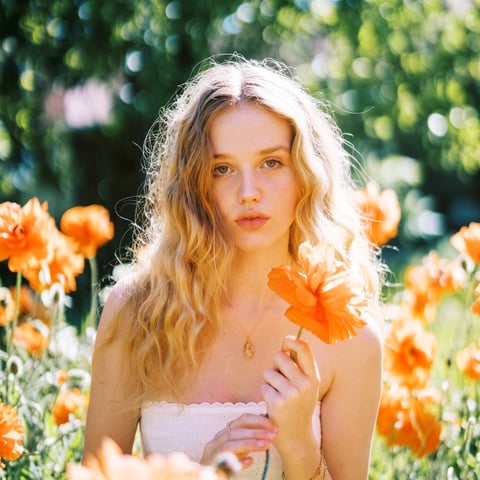
Add falling object effects using presets or custom prompts.

 之前之后
Copy a pose from a reference photo and apply it to your subject.

 之前之后
Create professional lighting effects using built-in templates or custom prompts.

 之前之后
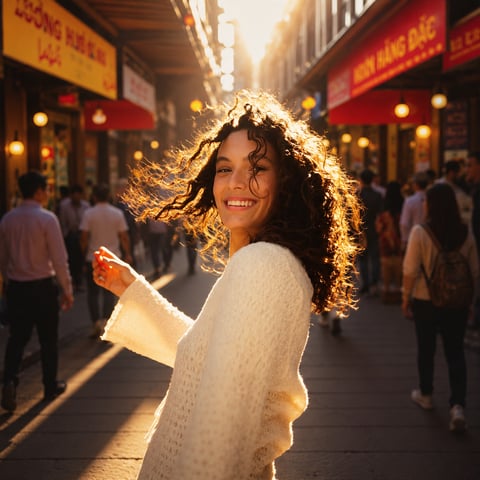
Edit images using any text prompt.

 之前之后
Create realistic weather effects using built-in templates or custom prompts.

 之前之后
Transform surfaces using built-in templates or custom prompts.

 之前之后
Enhance interior and architectural images with professional quality and styles.

 之前之后
Create ID photos with customizable templates, sizes, clothing colors, and prompts.

 之前之后
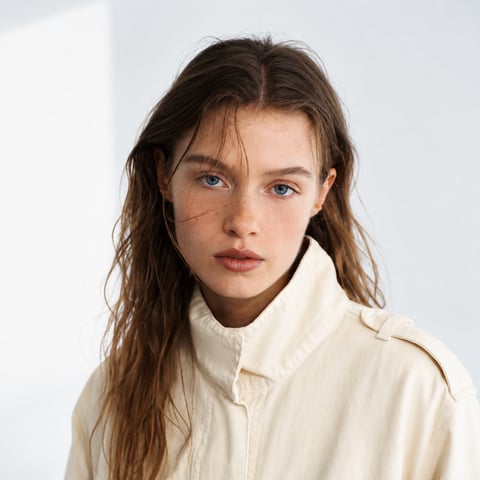
Create stunning portrait effects using built-in templates or describe your own effect with AI.

 之前之后
Restore, enhance, and colorize old or blurry photos.

 之前之后
Swap faces naturally between multiple people in images.

 之前之后
Clean, enhance quality, and highlight product details.

 之前之后
Create or replace product backgrounds using templates, images, or custom prompts.

 之前之后
Remove and replace backgrounds using uploaded images, templates, or custom prompts.

 之前之后
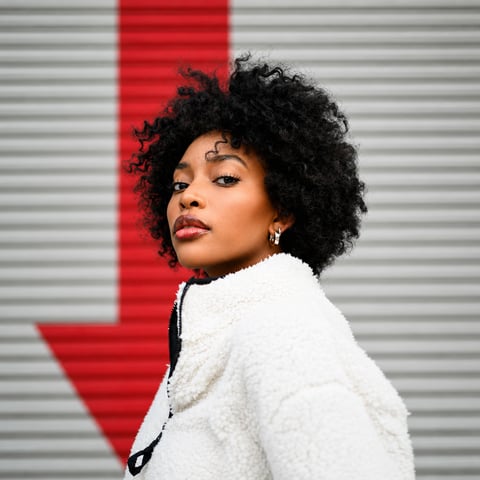
Change outfits using built-in templates, uploaded outfit images, or custom prompts.
 之前之后
Upscale images to higher resolution while preserving sharpness and details.
 之前之后
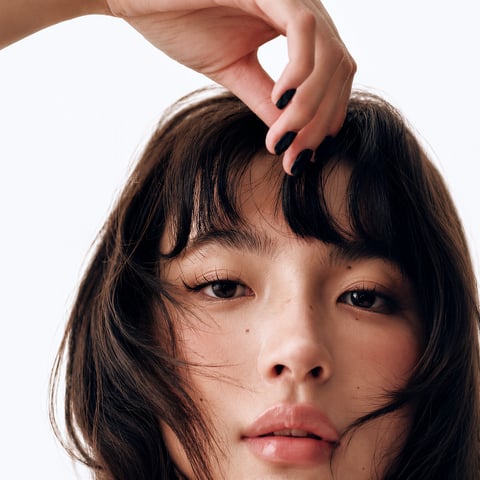
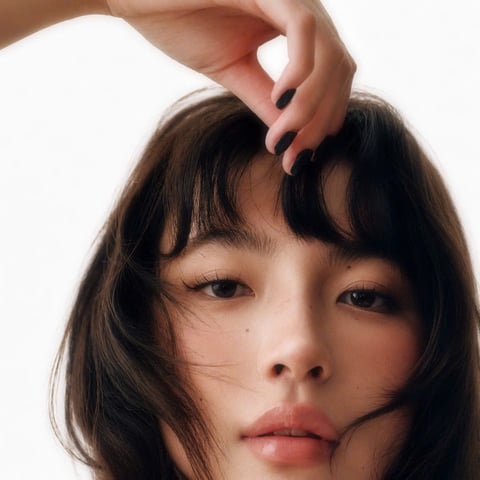
Enhance facial sharpness and details.
 之前之后
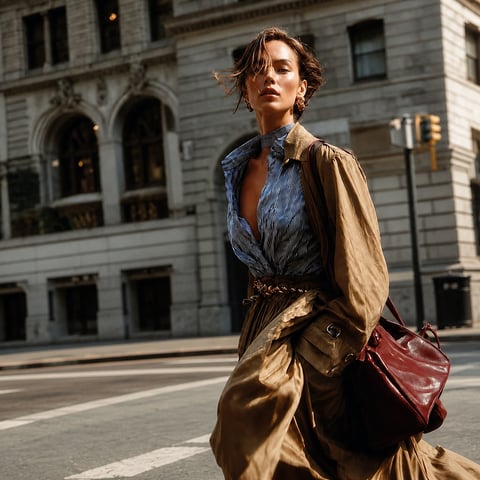
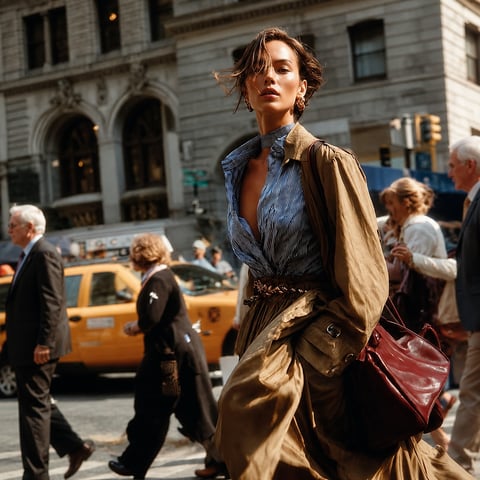
Remove unwanted objects by brushing or selecting them directly.

 之前之后
Add objects using custom prompts with optional AI placement.
 之前之后
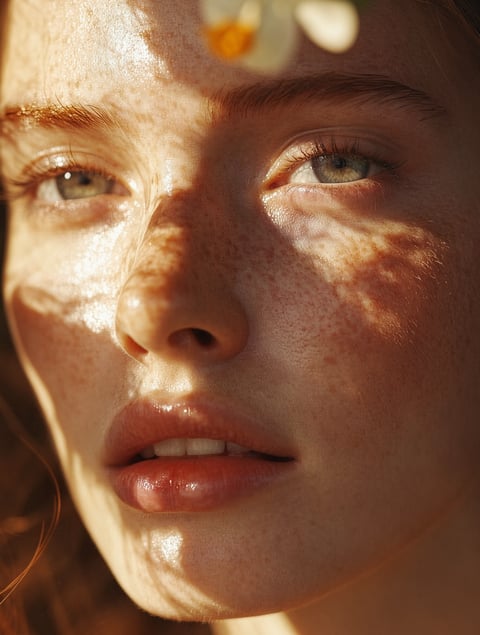
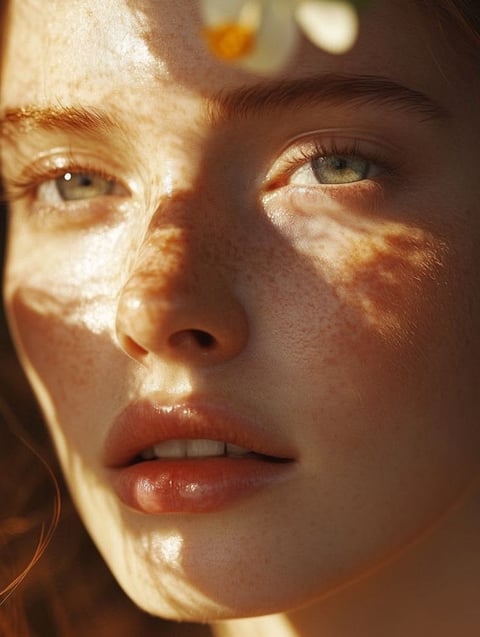
Enhance sharpness and restore details for a clearer image.

 之前之后
Transform images into different artistic styles using templates or custom prompts.
 之前之后
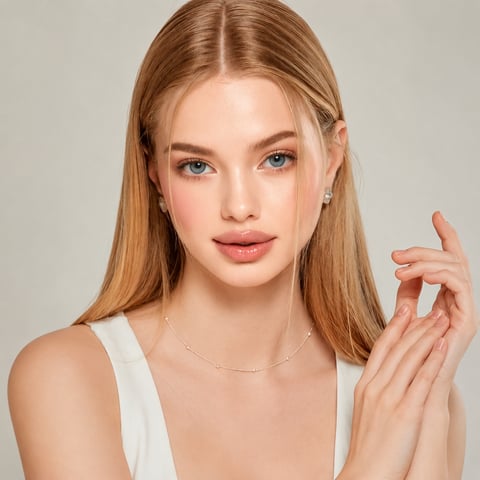
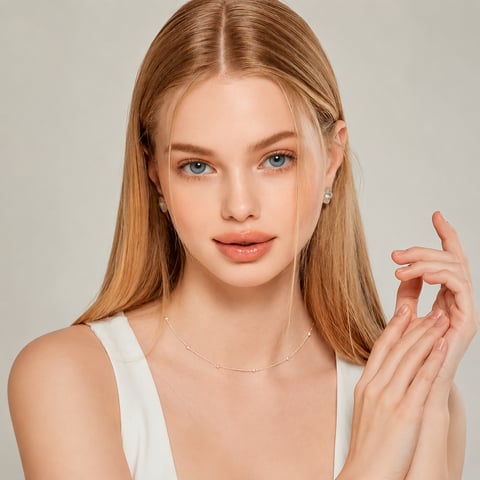
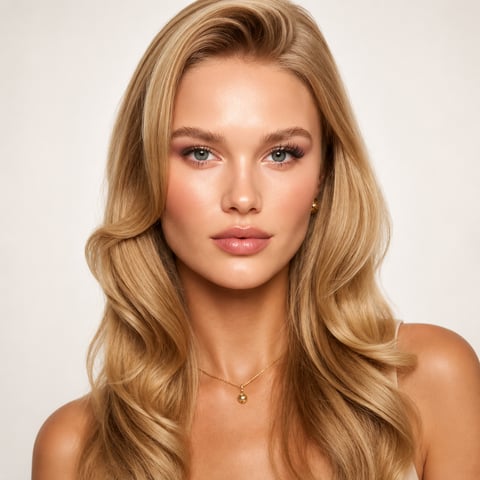
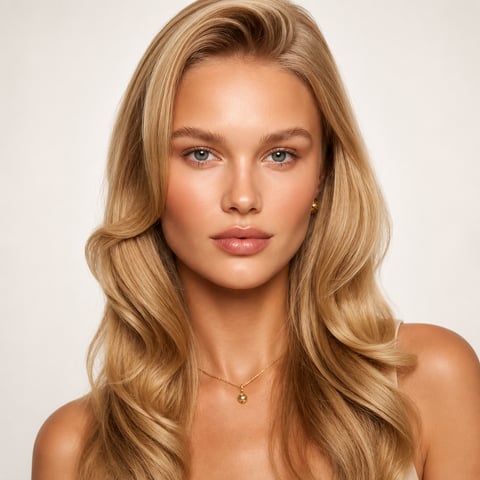
Beautify faces with skin retouching, makeup, and detail enhancement options.
 之前之后
Apply or refine natural-looking makeup with AI.

 之前之后
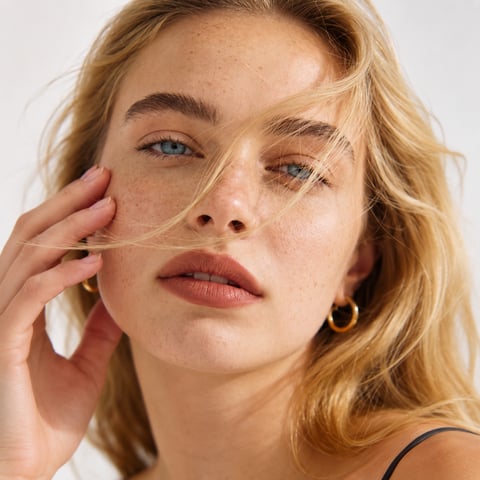
Smooth skin naturally, reduce imperfections, and preserve skin texture for a radiant, realistic

 之前之后
Remove unwanted reflections from glass surfaces for a clearer, more natural image.
Foneo 桌面应用可同时处理多张照片,支持导出 HD、2K、4K,并与网页端共用同一账号。