Experience Impressive AI Photo Editing with Foneo
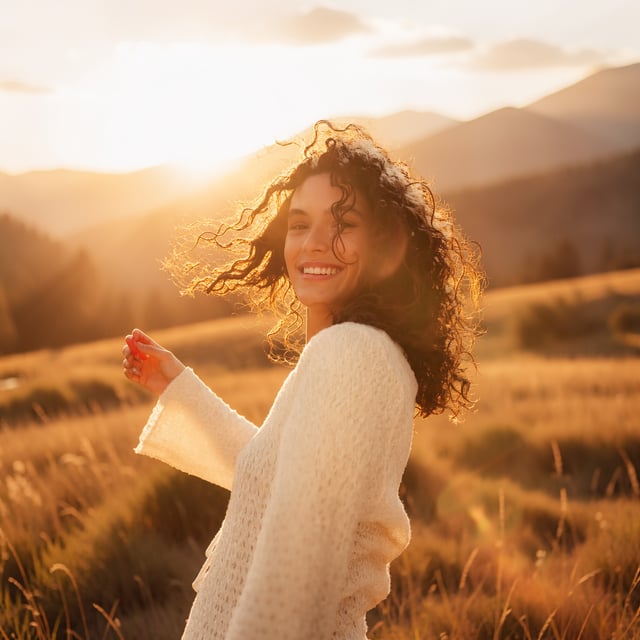
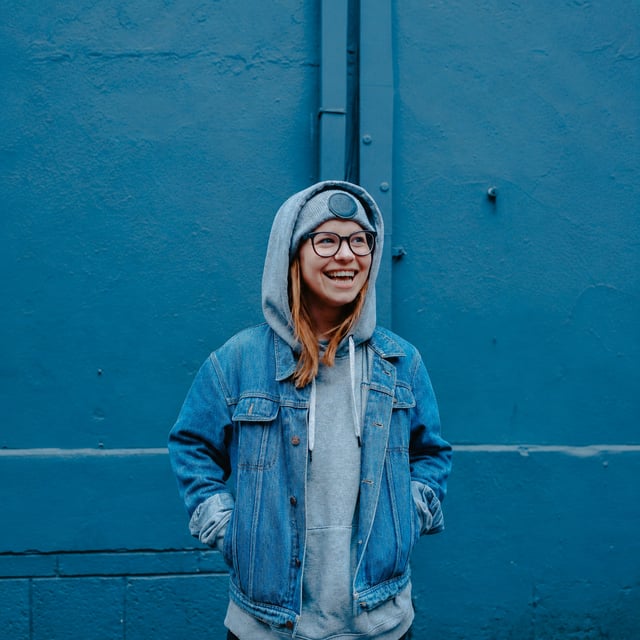
Foneo helps you process portraits, products, real estate photos, and more with AI in a few simple steps. No complex setup, no technical knowledge needed—just open the photo, click process, and enjoy the results.

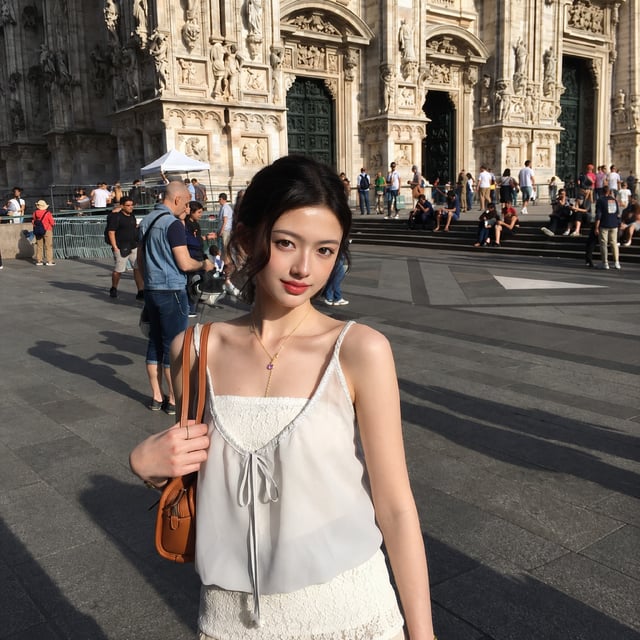
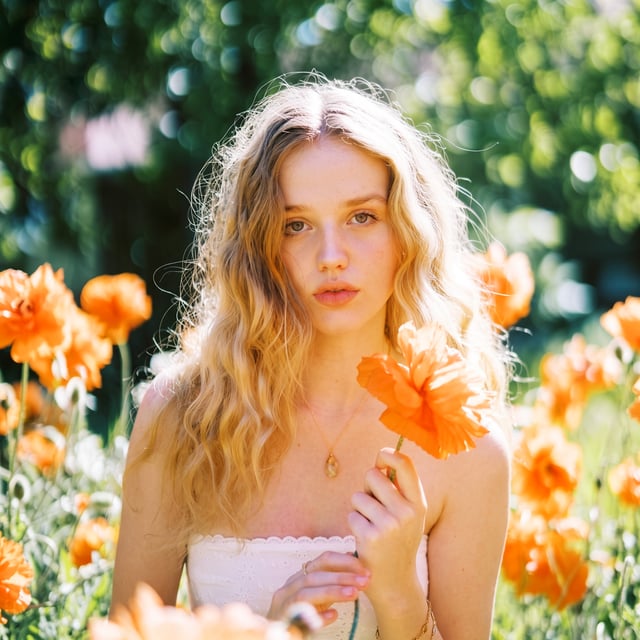
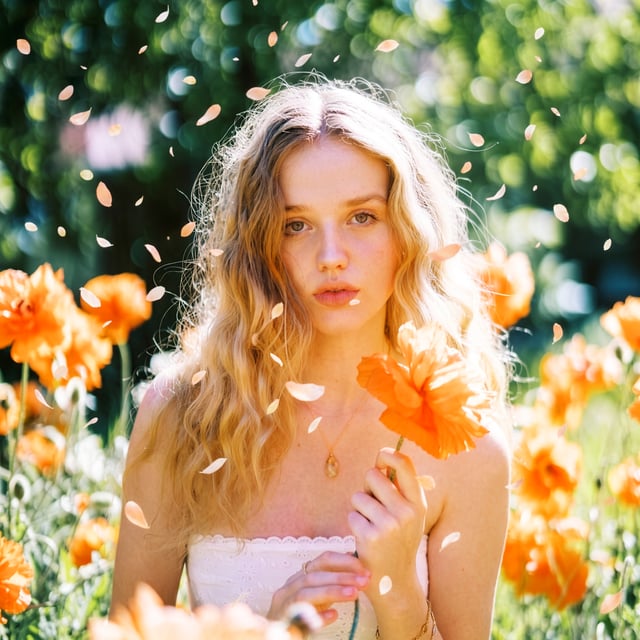
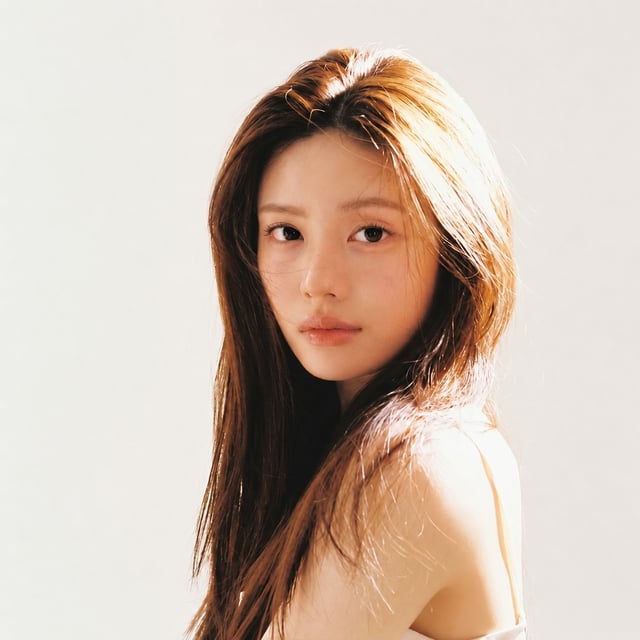
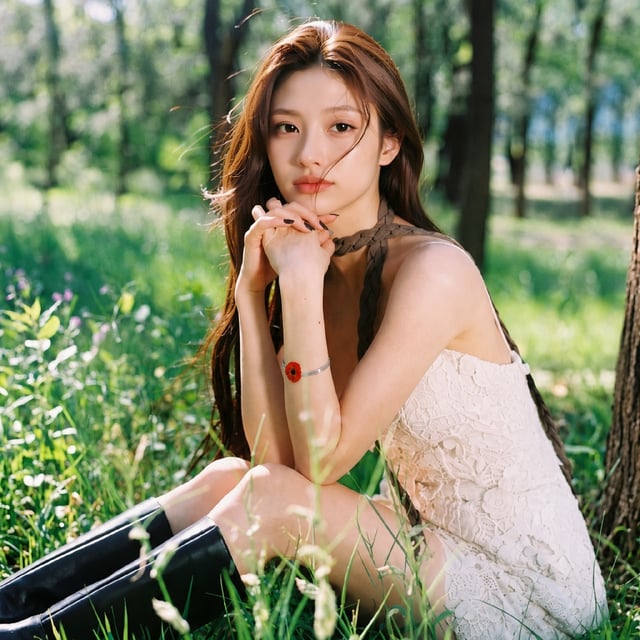
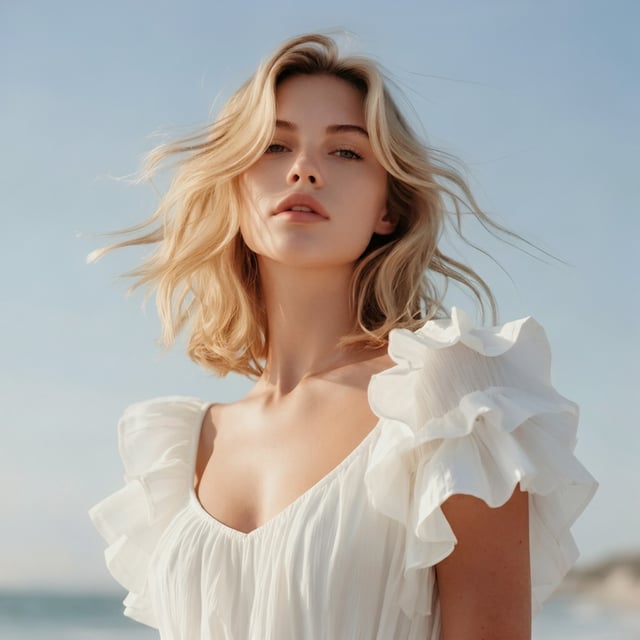
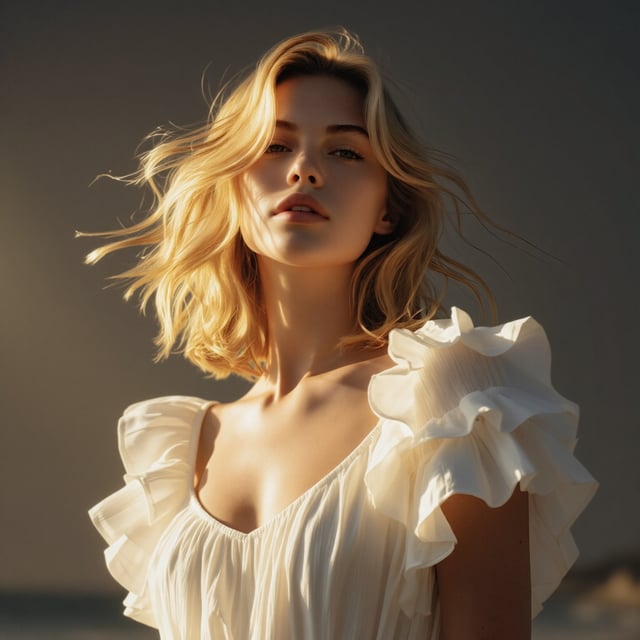
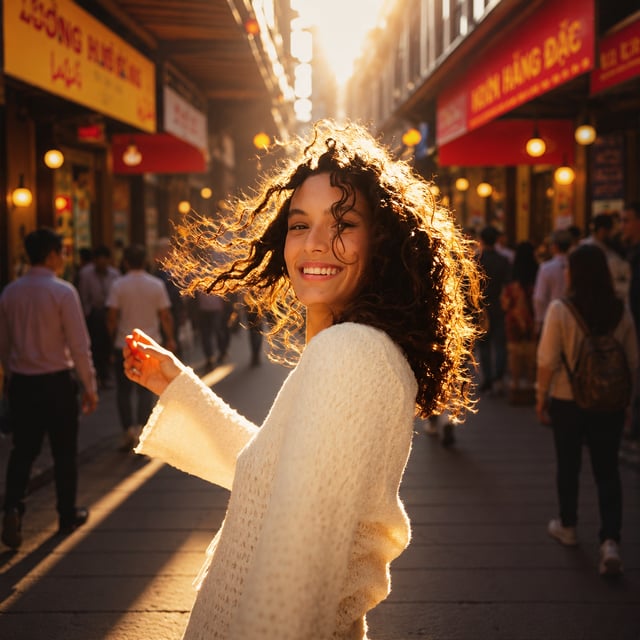

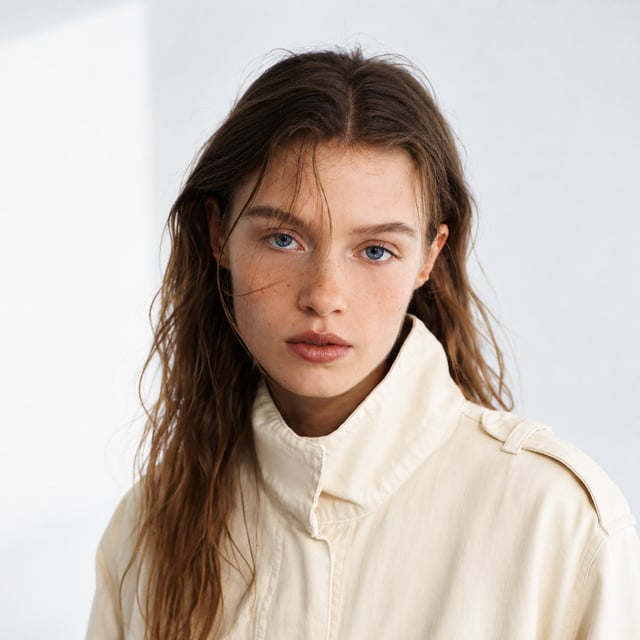
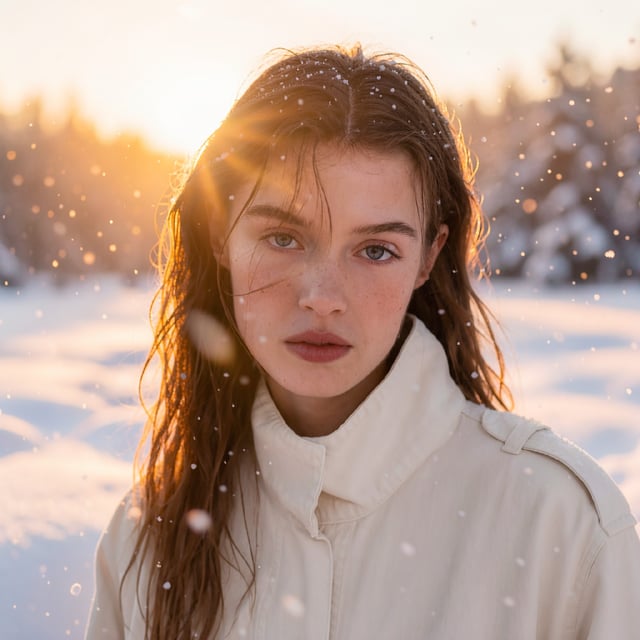
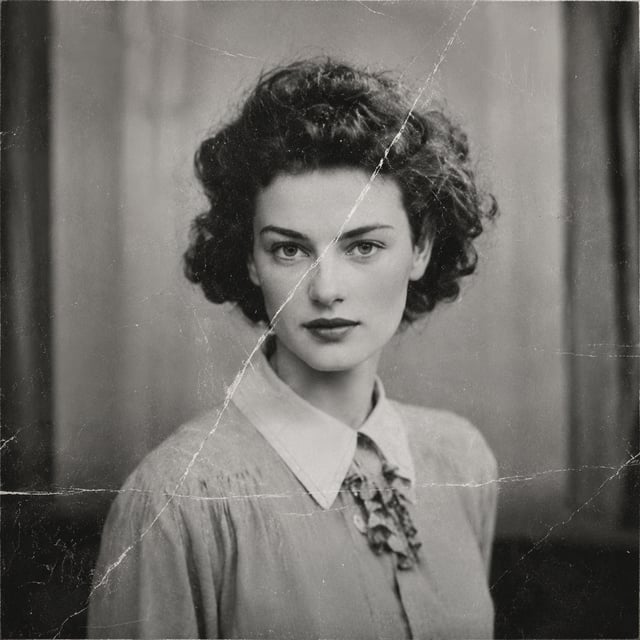
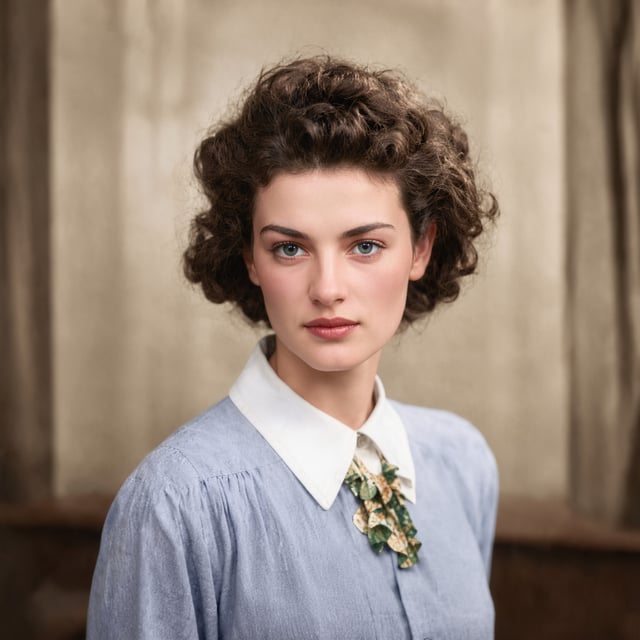
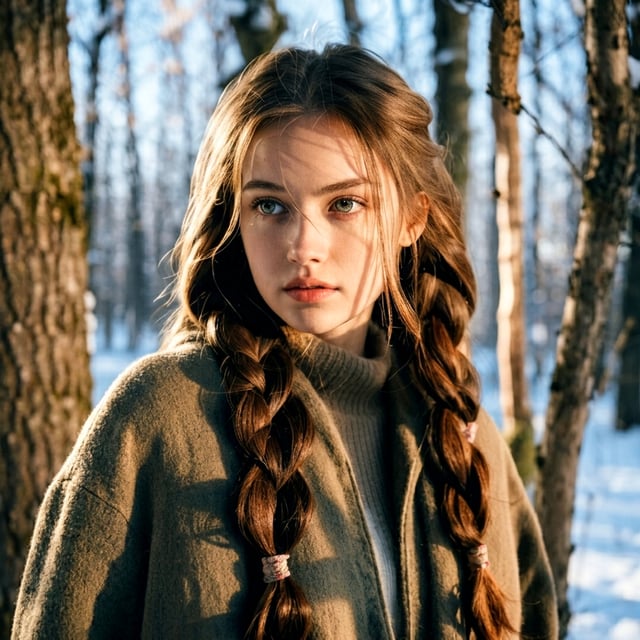

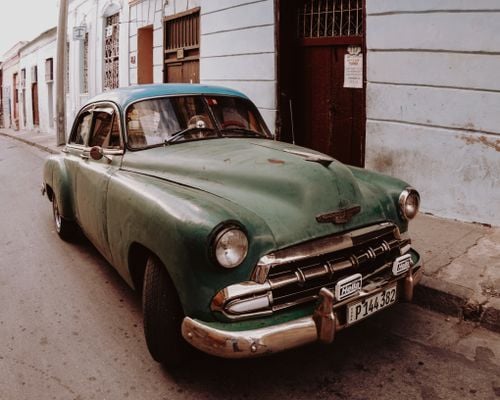
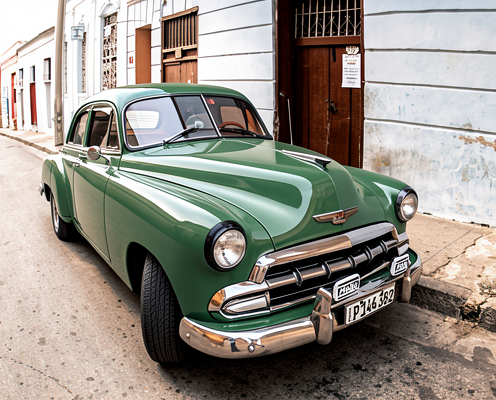
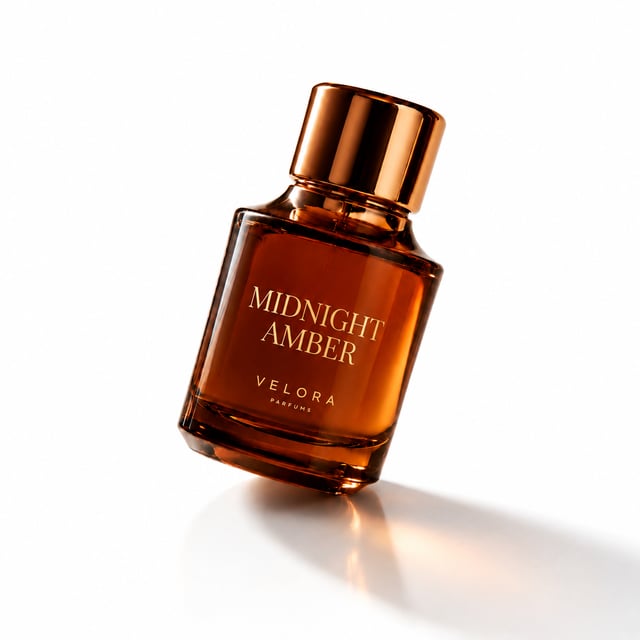
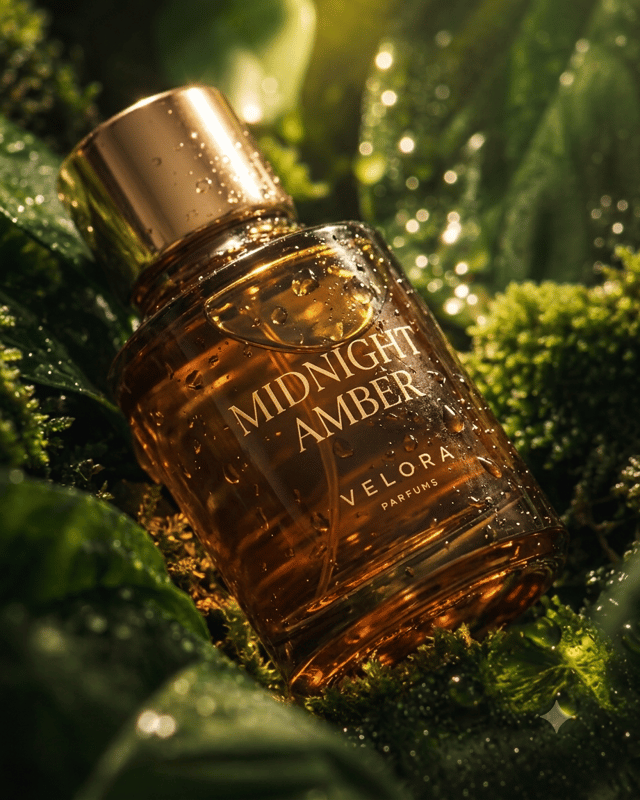
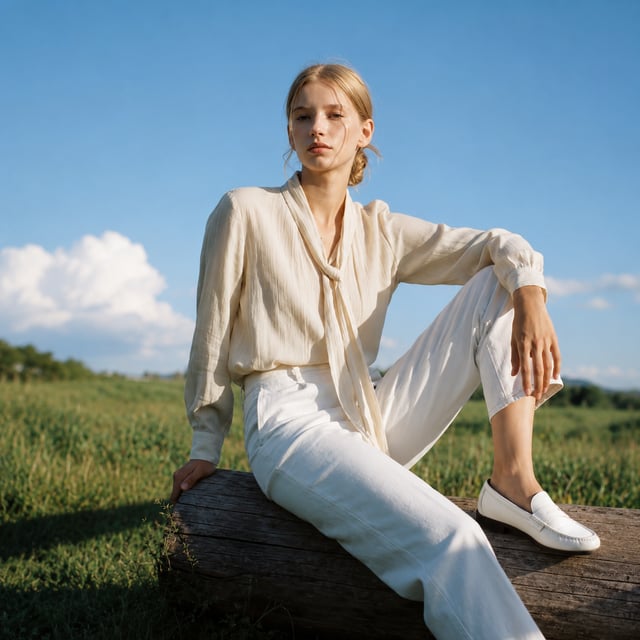
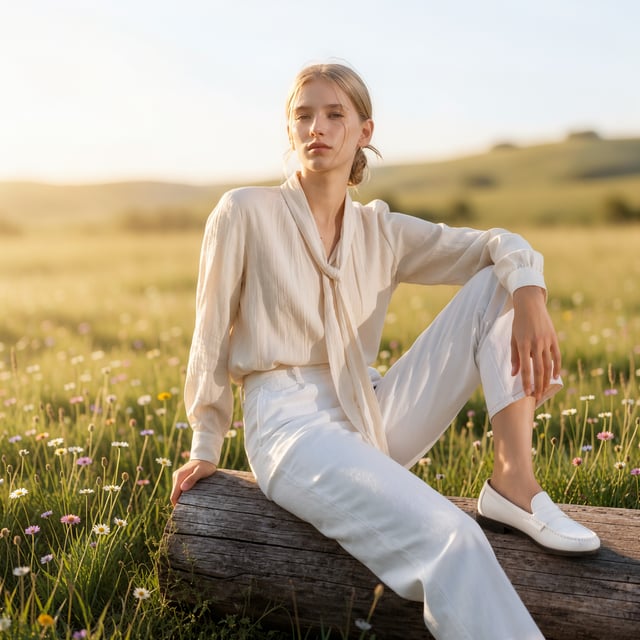


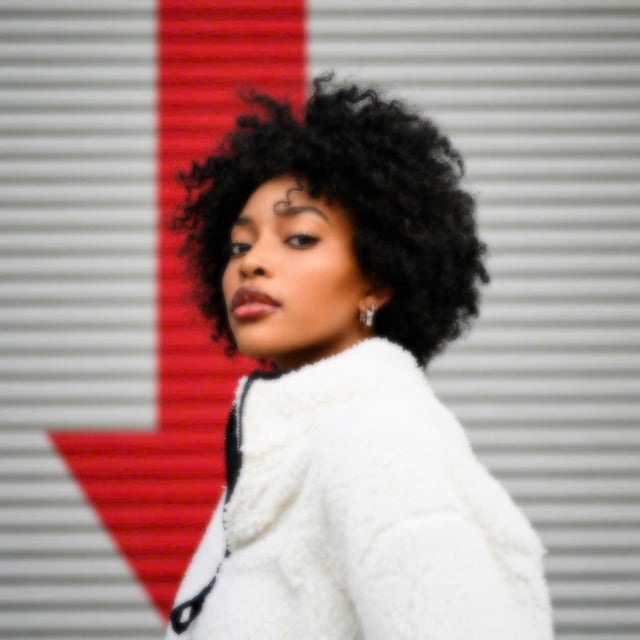
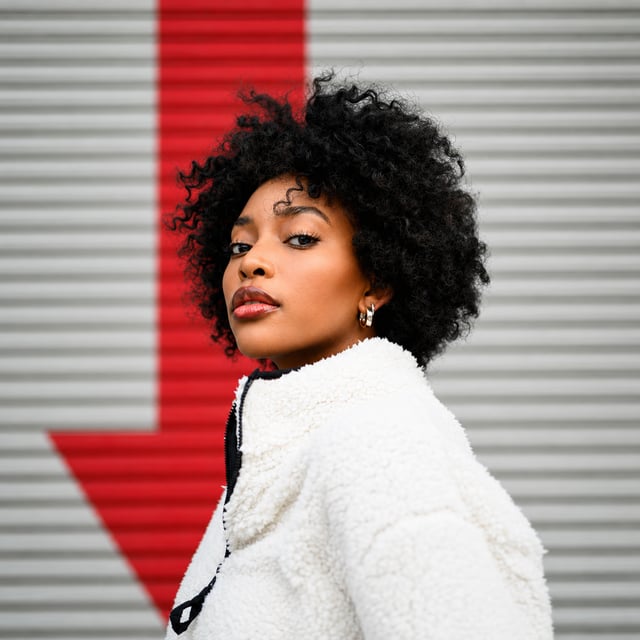
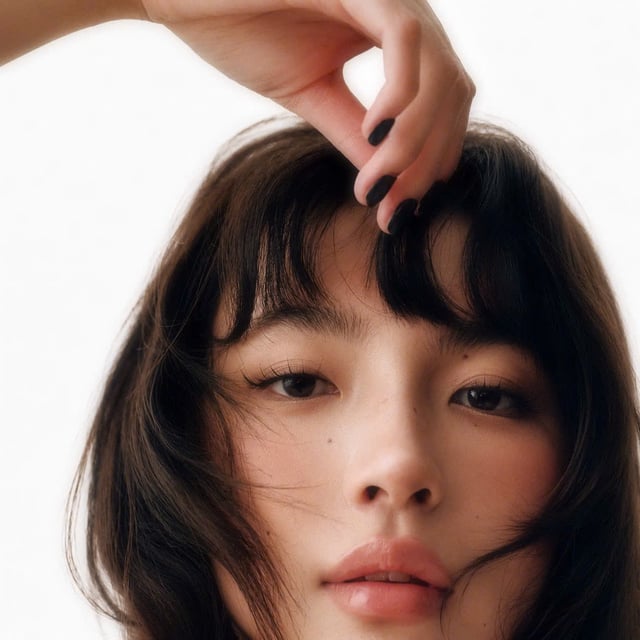
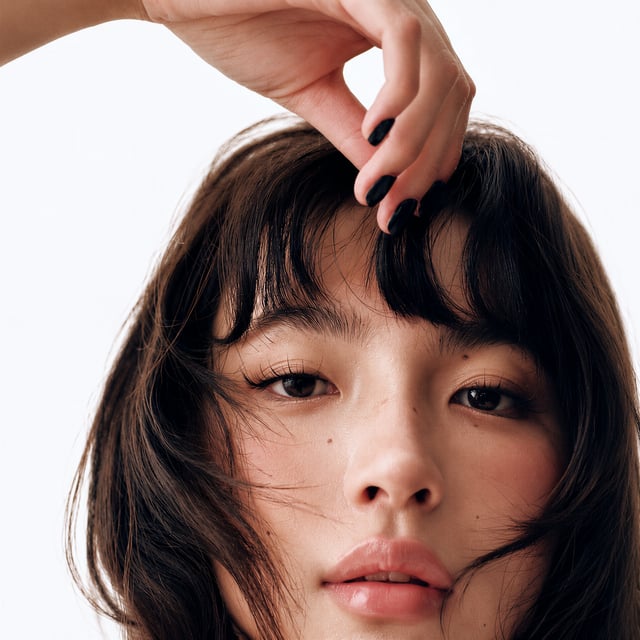
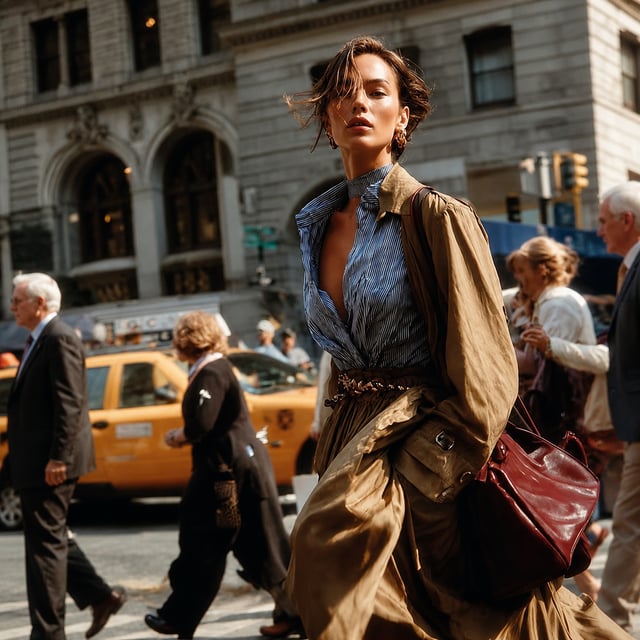
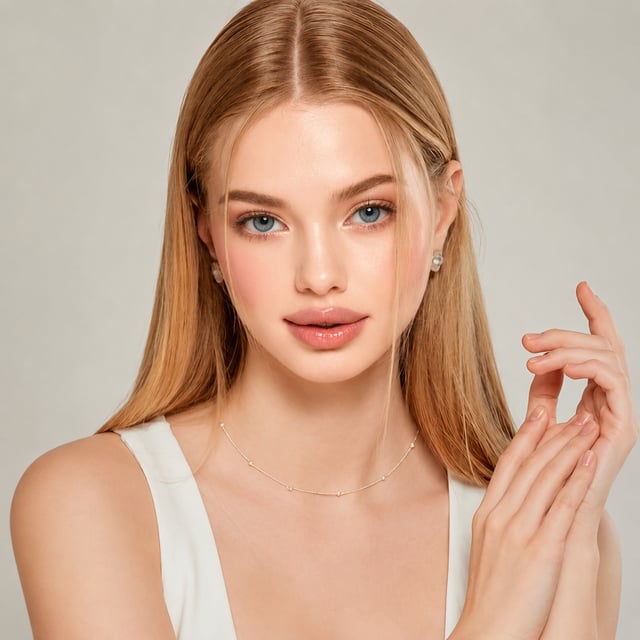
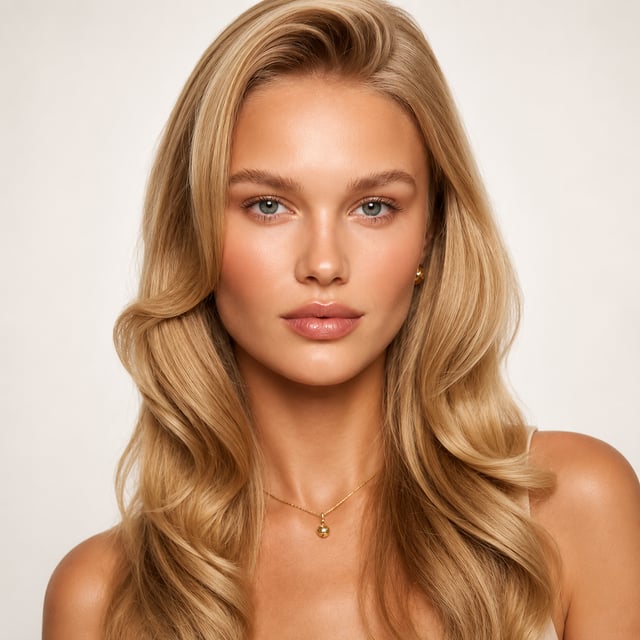
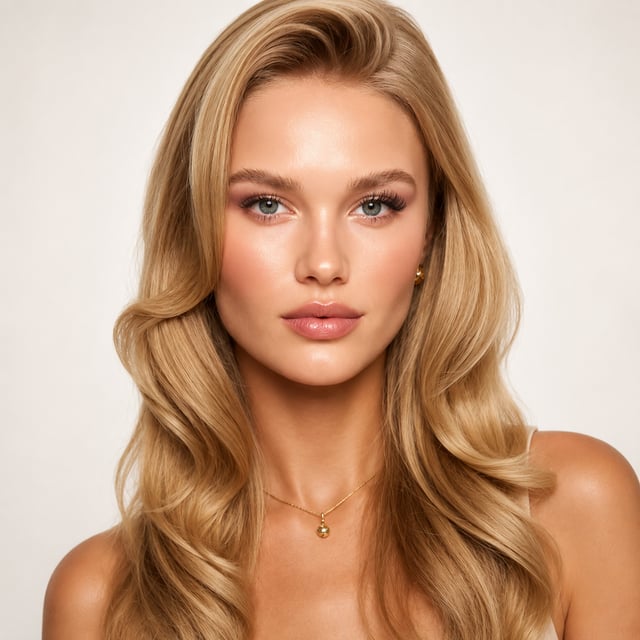
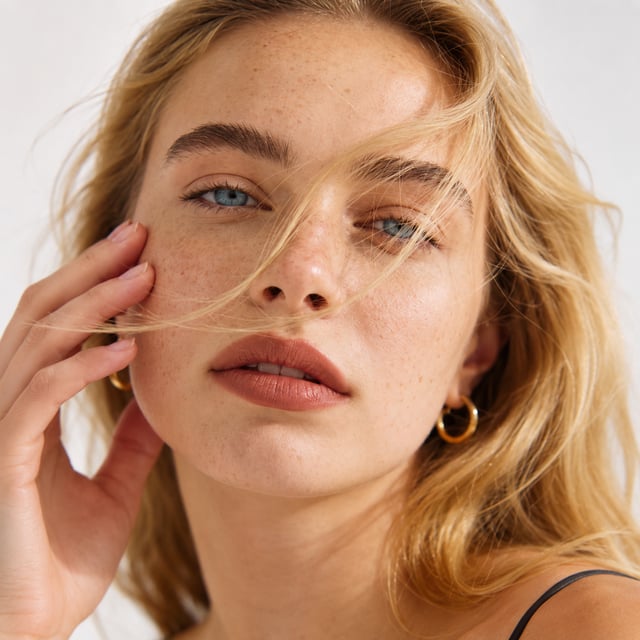
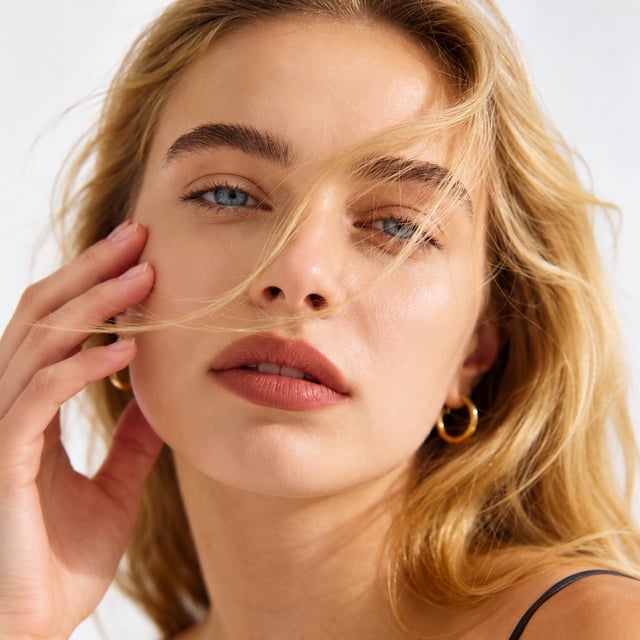
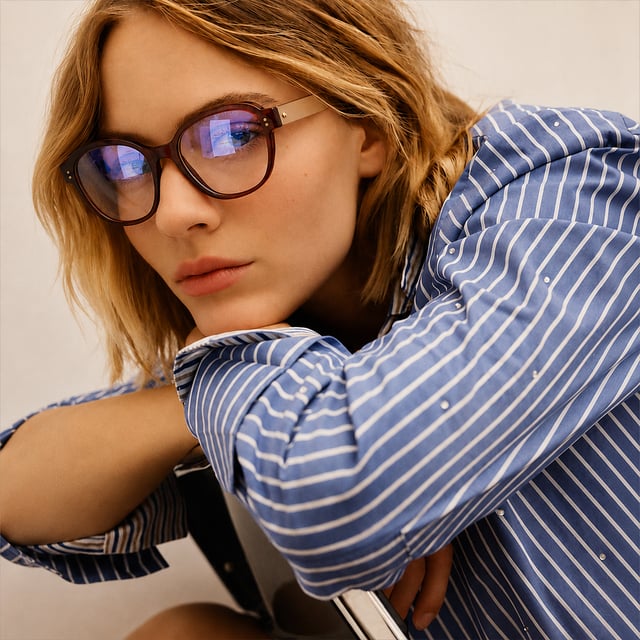
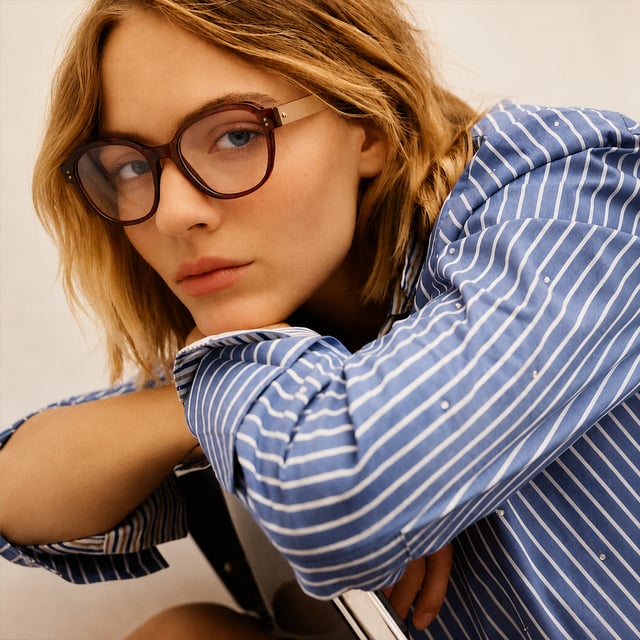
Focus on Photo Editing
Open and Start Using
No API connections or complicated setup steps required. Install Foneo, log in, and enjoy a simple, highly effective editing experience.
No Need to Worry About Infrastructure
You don't need to rent private servers, manage GPUs, or own a high-spec computer. Foneo is fully optimized so you can focus on editing.

Process As Many Photos As You Want
Foneo does not charge per export, giving photographers and studios peace of mind without worrying about escalating costs.
Easy One-Click Tools
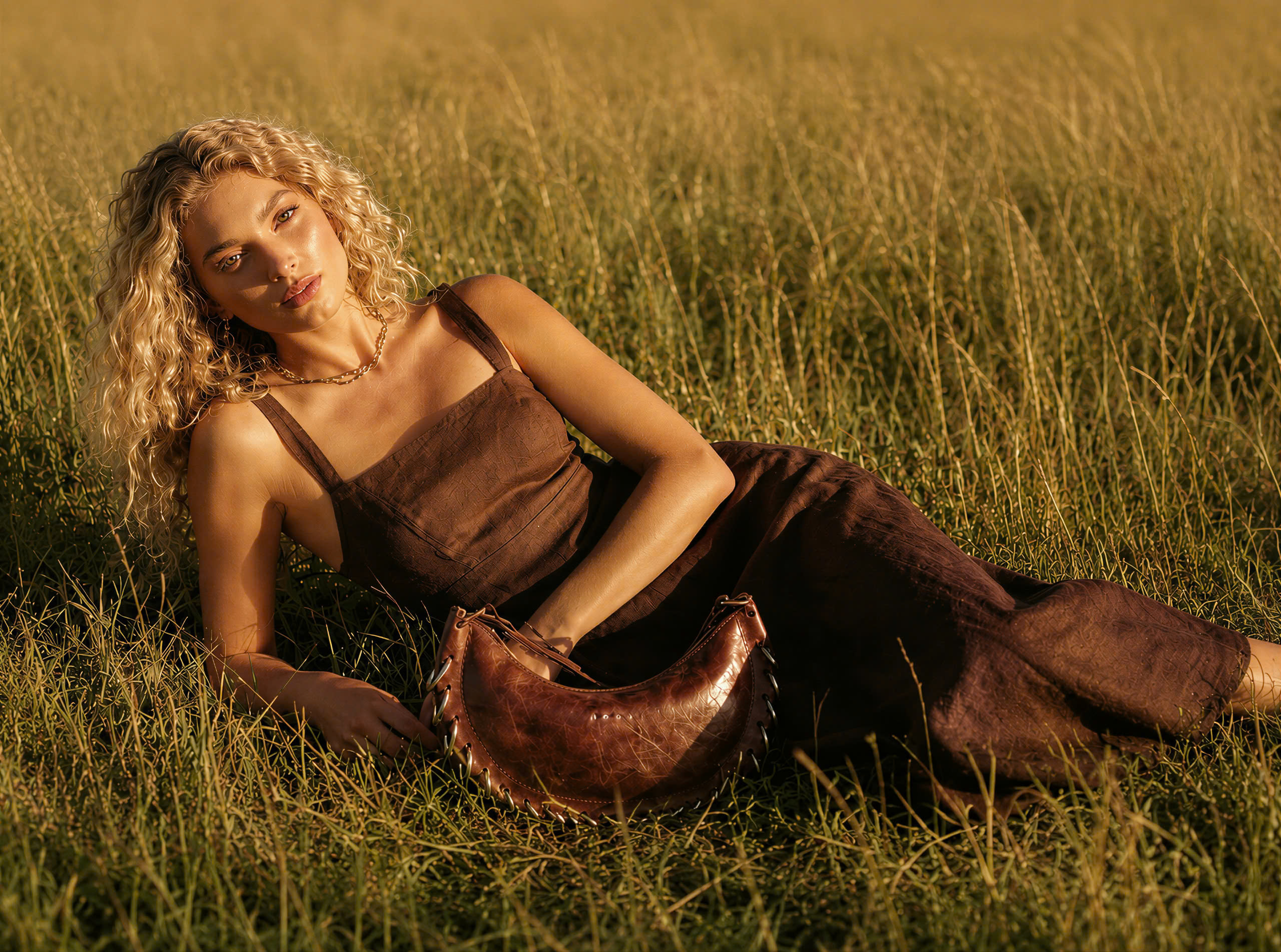
AI tools are pre-built for real-world scenarios. Just select the tool you need without writing prompts or learning complex commands.
Impressive Photo Editing Features
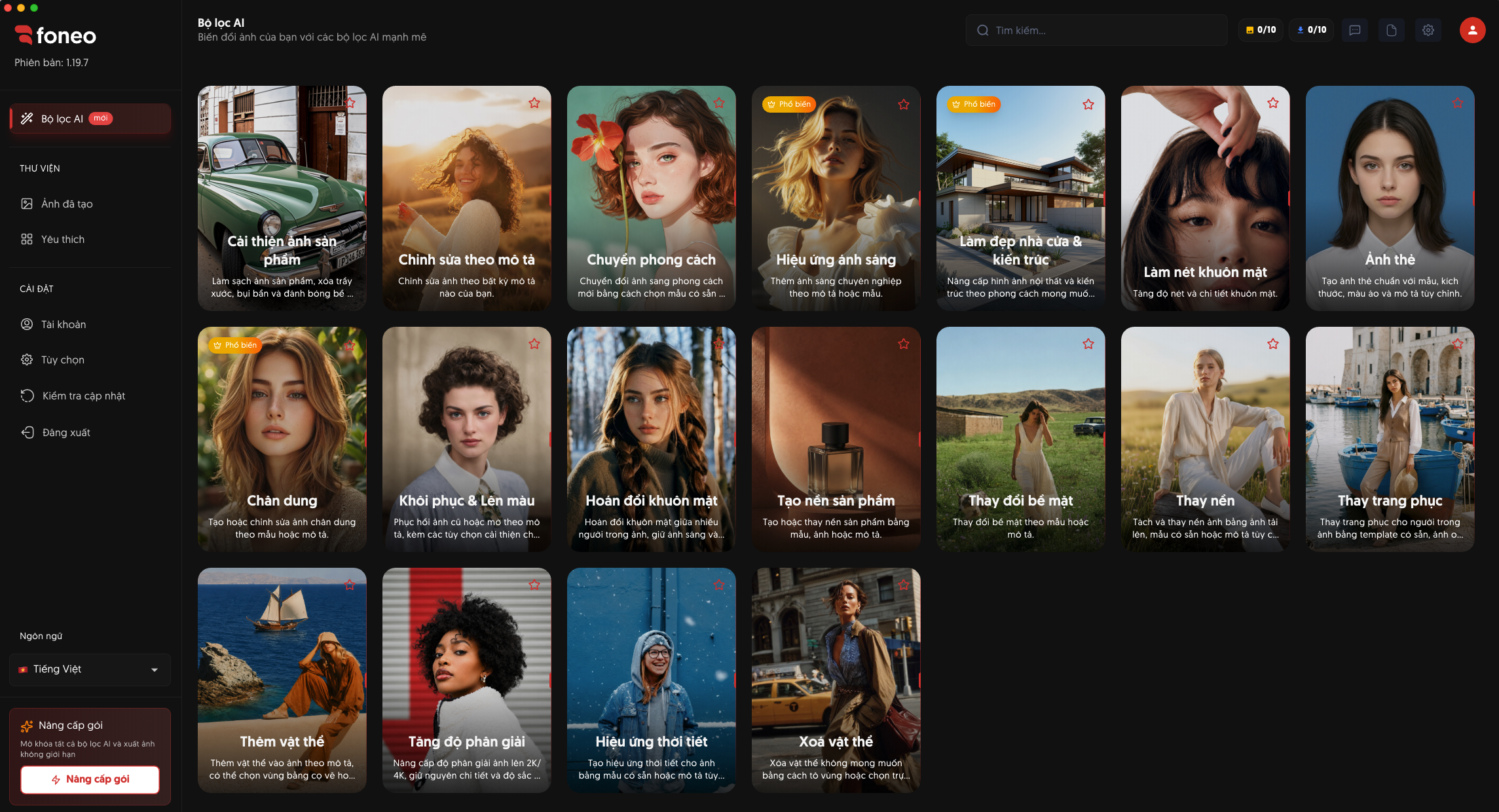
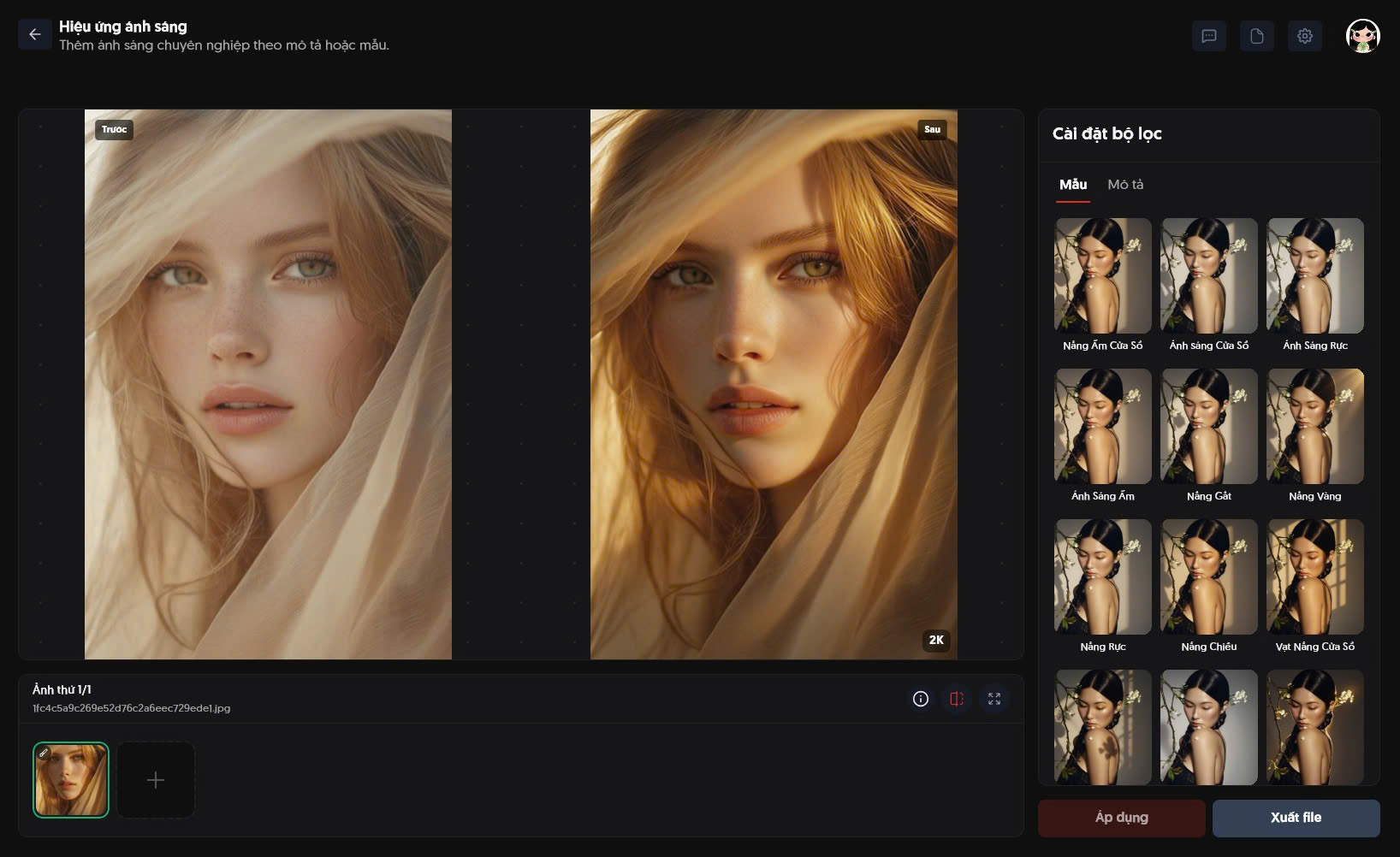
Many built-in features cater to various photo editing needs. Simply choose the feature you need, add your photo, press the process button, and you will get an amazing image exactly as desired.
Frontal Fix
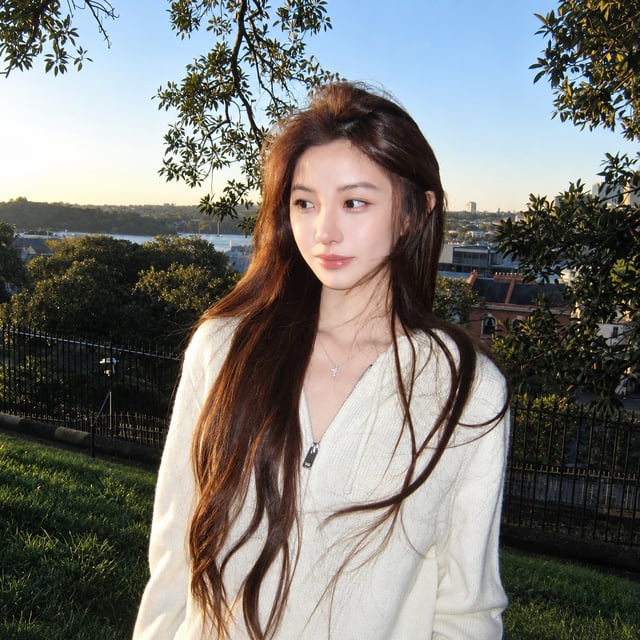
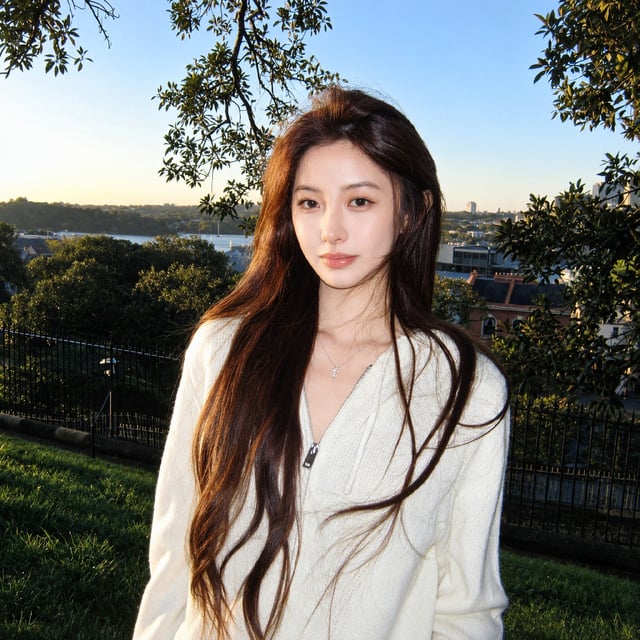
Select one or multiple faces and adjust them to a front-facing view for a more balanced and clearer portrait.
Baby Face
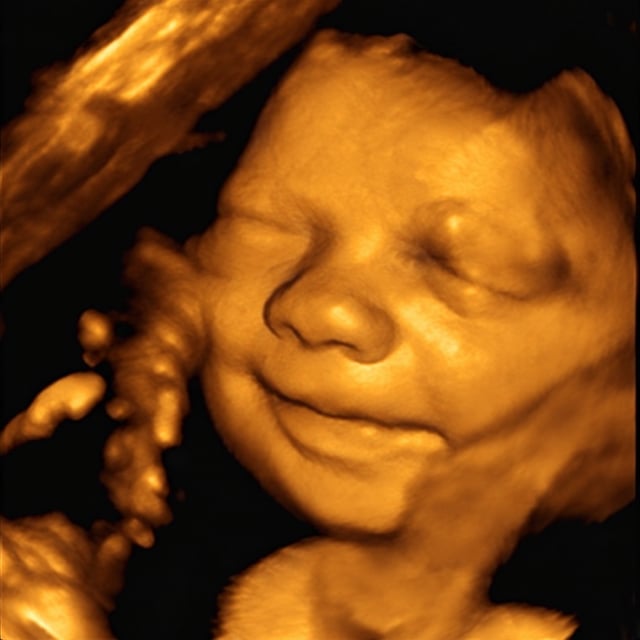
Upload an ultrasound image to generate a predicted baby face based on the visible features in the ultrasound.
Portrait Perfect
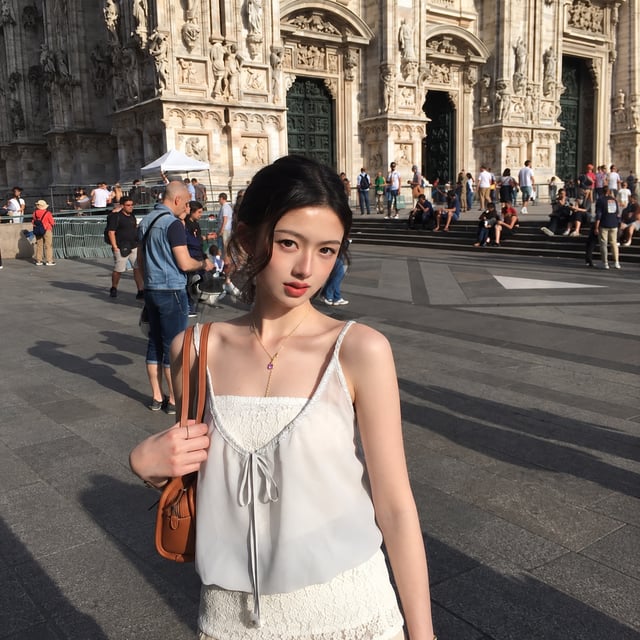
Enhance portraits by refining facial details, optimizing lighting, and improving image clarity for a more natural and polished look.
Falling Effects
Add falling object effects using presets or custom prompts.
Copy Pose
Copy a pose from a reference photo and apply it to your subject.
Lighting Effects
Create professional lighting effects using built-in templates or custom prompts.
Prompt Edit
Edit images using any text prompt.
Weather Effects
Create realistic weather effects using built-in templates or custom prompts.
Surface Transform
Transform surfaces using built-in templates or custom prompts.
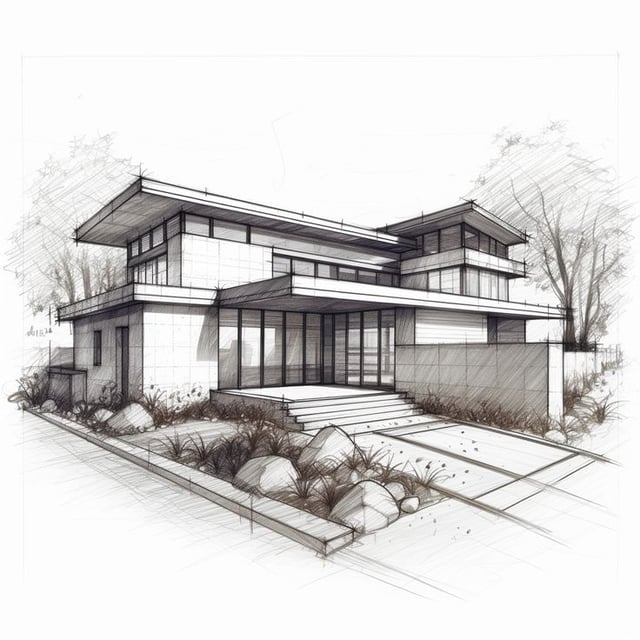
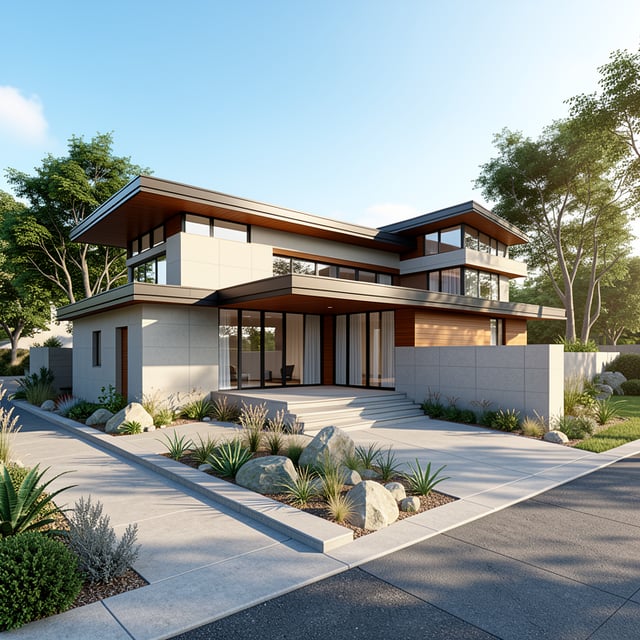
Architecture Enhancer
Enhance interior and architectural images with professional quality and styles.
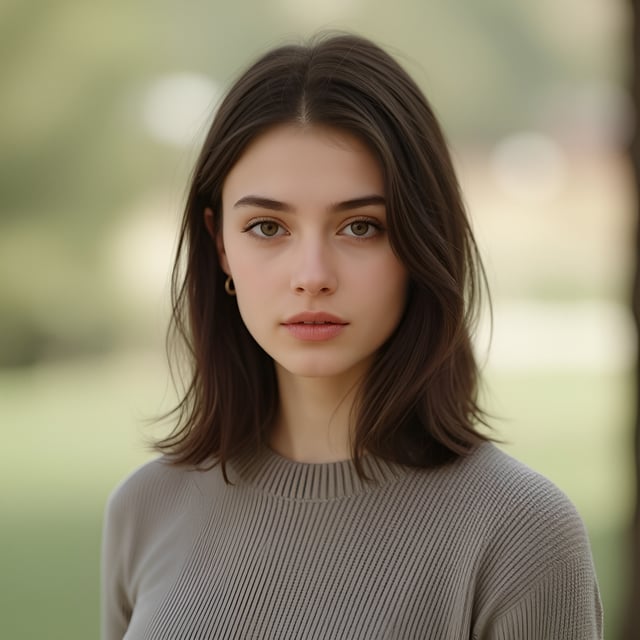
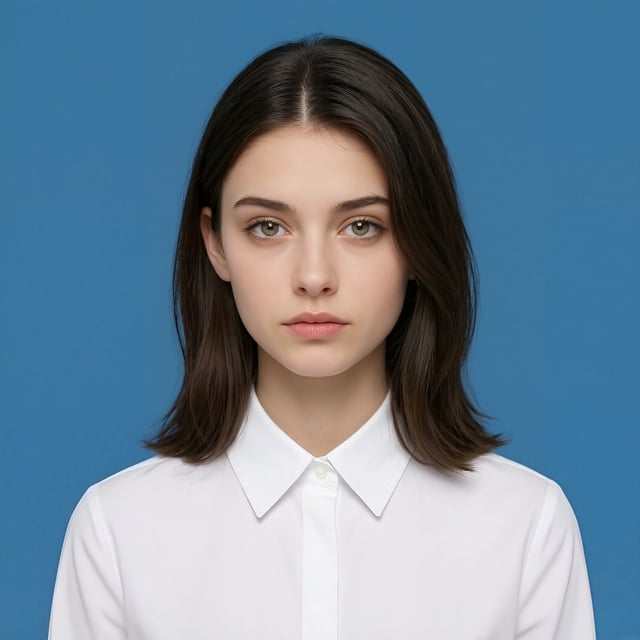
ID Photo
Create ID photos with customizable templates, sizes, clothing colors, and prompts.
Portrait Effects
Create stunning portrait effects using built-in templates or describe your own effect with AI.
Restore & Colorize
Restore, enhance, and colorize old or blurry photos.
Face Swap
Swap faces naturally between multiple people in images.
Product Enhancer
Clean, enhance quality, and highlight product details.
Product Background
Create or replace product backgrounds using templates, images, or custom prompts.
Background Replace
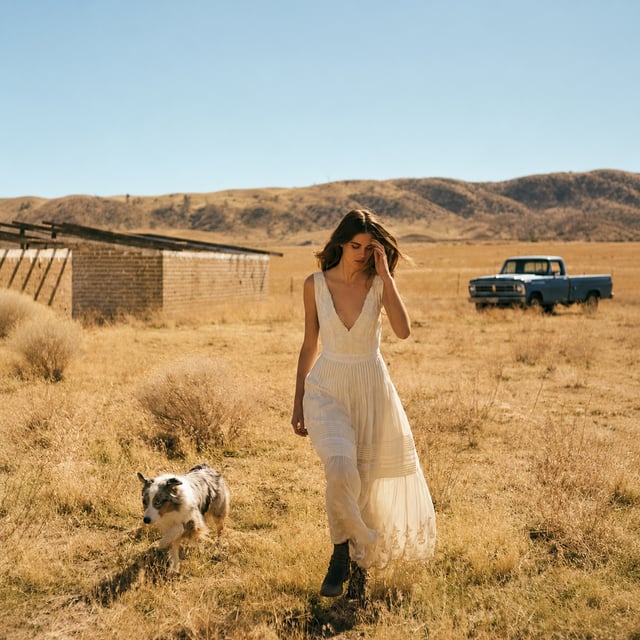
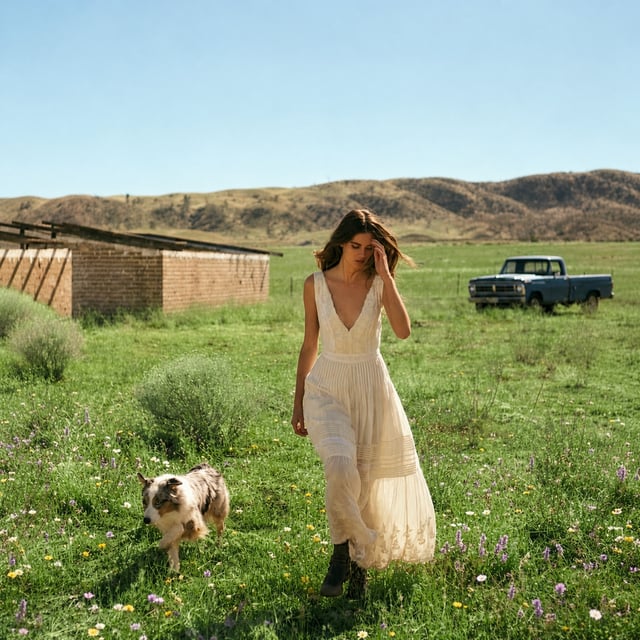
Remove and replace backgrounds using uploaded images, templates, or custom prompts.
Fashion Try-on
Change outfits using built-in templates, uploaded outfit images, or custom prompts.
Upscale
Upscale images to higher resolution while preserving sharpness and details.
Enhance Face
Enhance facial sharpness and details.
Object Removal
Remove unwanted objects by brushing or selecting them directly.
Object Addition
Add objects using custom prompts with optional AI placement.
Detail Enhance
Enhance sharpness and restore details for a clearer image.
Style Transfer
Transform images into different artistic styles using templates or custom prompts.
Face Retouch
Beautify faces with skin retouching, makeup, and detail enhancement options.
Makeup AI
Apply or refine natural-looking makeup with AI.
Skin Retouch
Smooth skin naturally, reduce imperfections, and preserve skin texture for a radiant, realistic
Reflection Removal
Remove unwanted reflections from glass surfaces for a clearer, more natural image.
 Coming Soon
More updates coming soon
More professional and innovative photo editing features are currently under development.
Frequently asked questions
Everything you need to know about the product and billing.