Foneo AI Blog
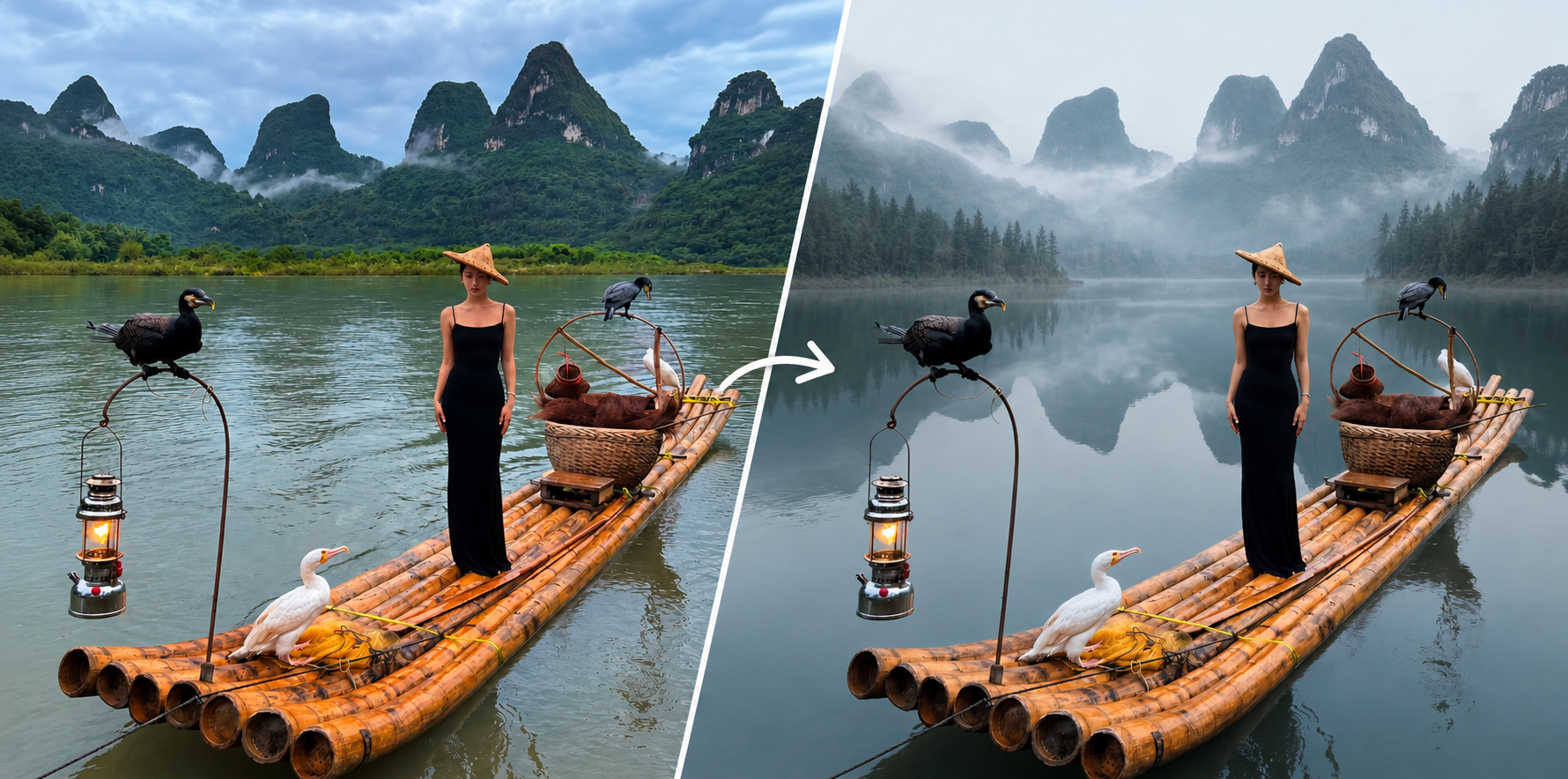
How to Use Background Replace on the Foneo AI Photo Editing App
Learn how to use Background Replace on Foneo AI. Choose a Template, upload a custom background, or enter a Prompt to replace your image background.
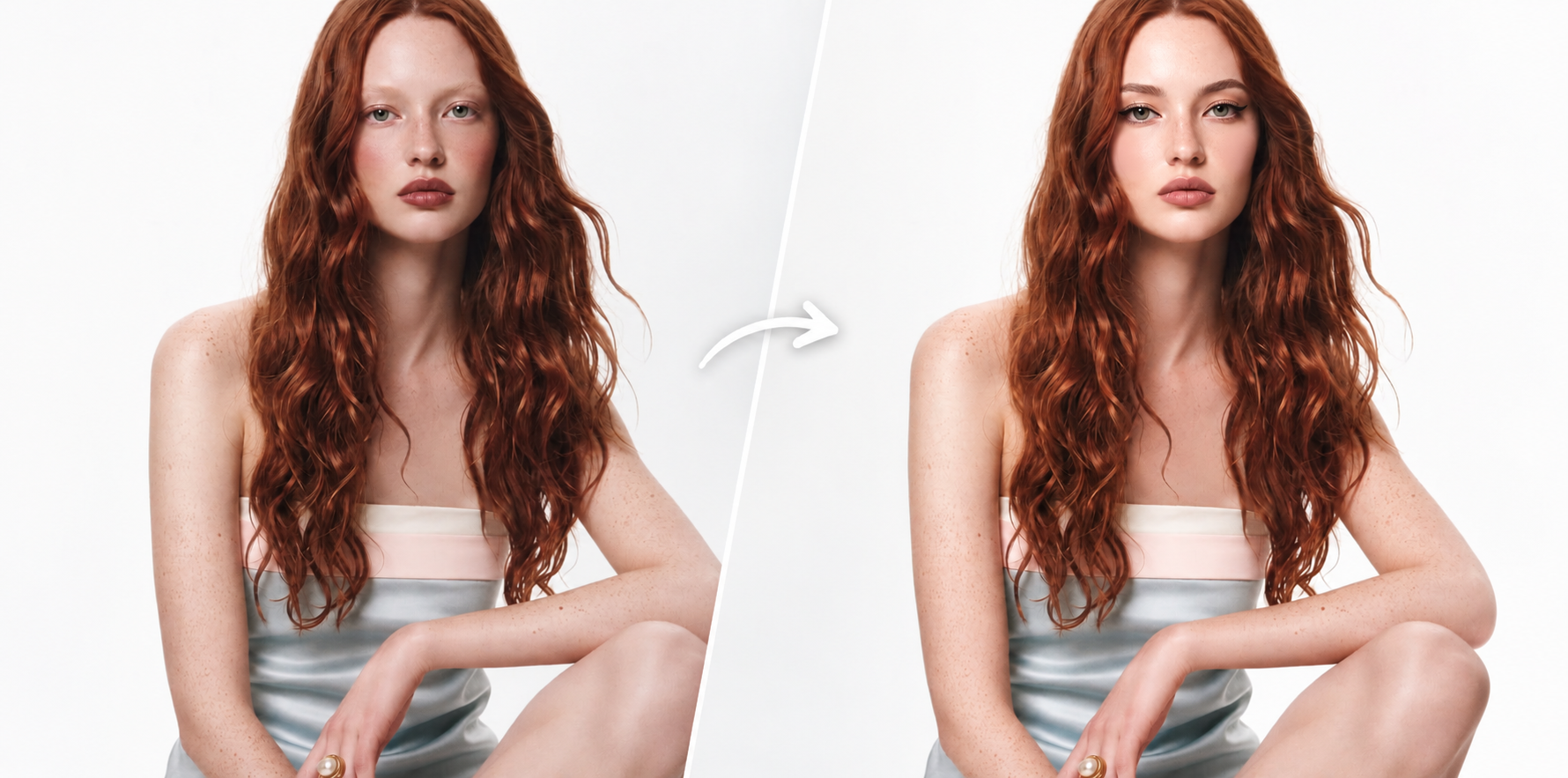
How to Use Face Retouch on the Foneo AI Photo Editing App
Learn how to use Face Retouch on Foneo AI to enhance facial appearance with makeup templates or custom prompts while maintaining a natural look.
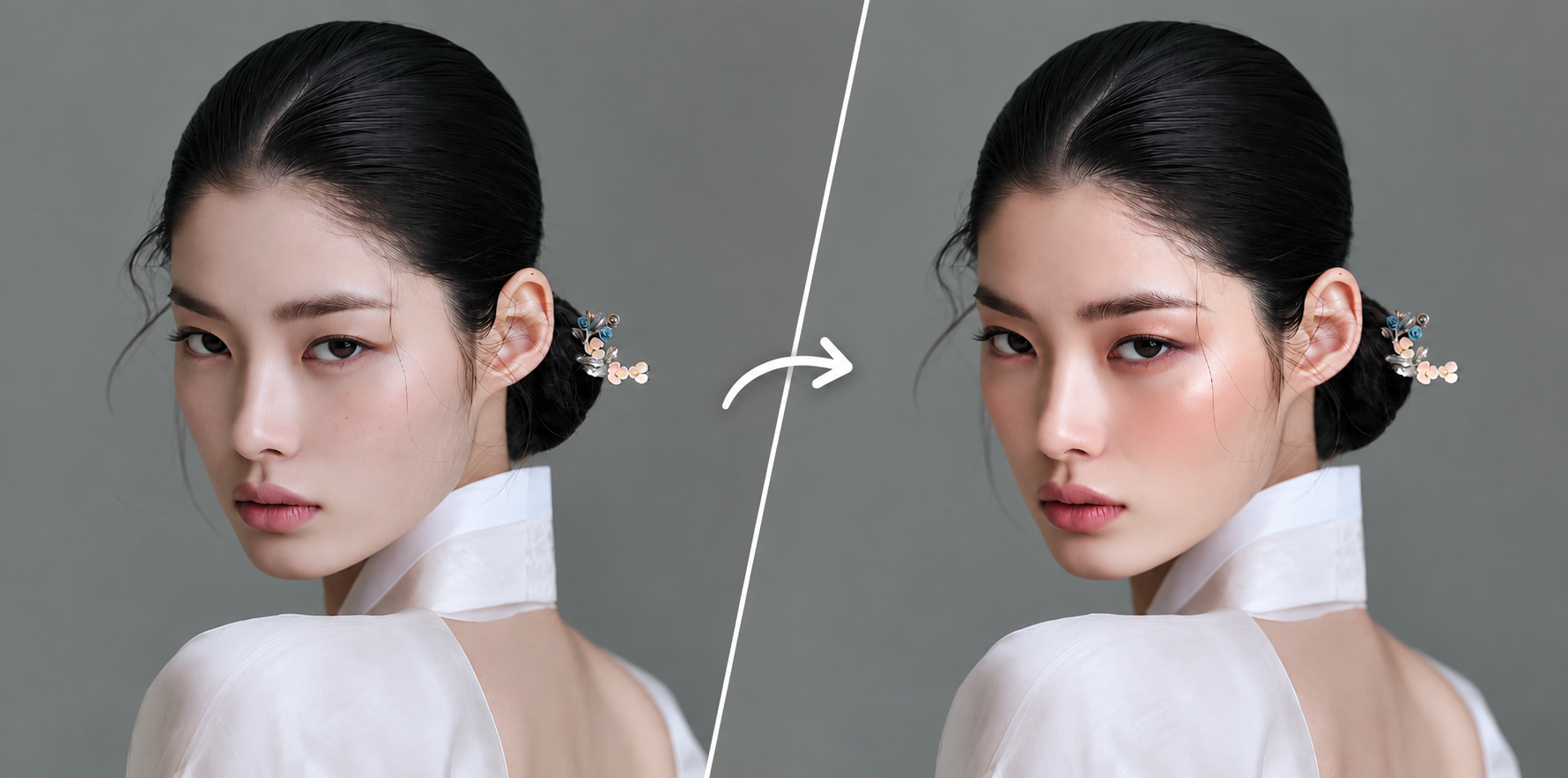
How to Use Makeup AI on the Foneo AI Photo Editing App
Learn how to use Makeup AI on Foneo to try different makeup styles with ready-made templates or custom prompts and create your desired look.
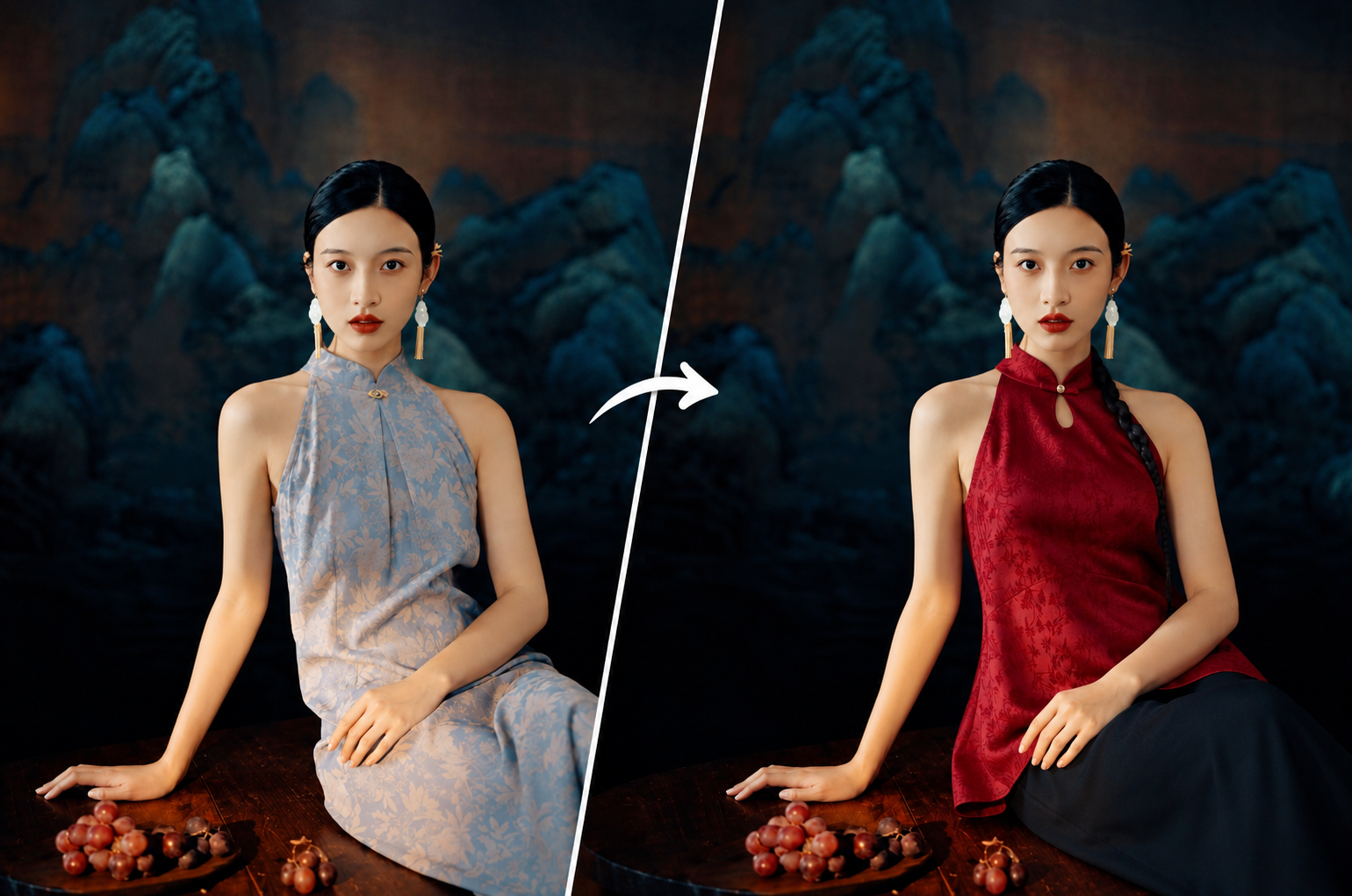
How to Use Fashion Try-on on the Foneo AI Photo Editing App
Learn how to use Fashion Try-on on Foneo AI. Try different outfits with Templates, upload your own clothing images, or enter custom Prompts.
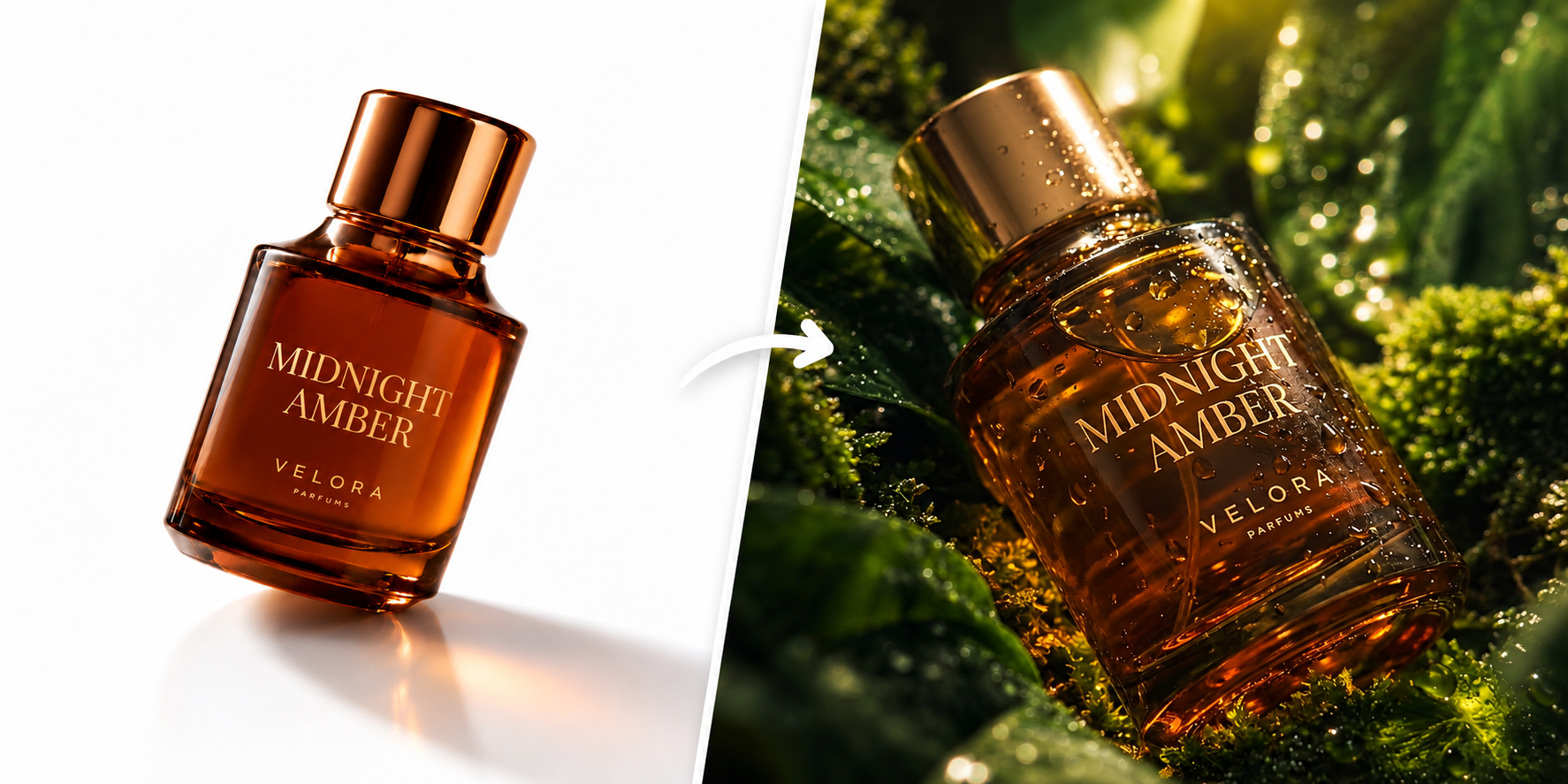
How to Use Product Background on the Foneo AI Photo Editing App
Learn how to use Product Background on Foneo AI. Create or change product backgrounds using Templates, Add Image, or custom Prompts.
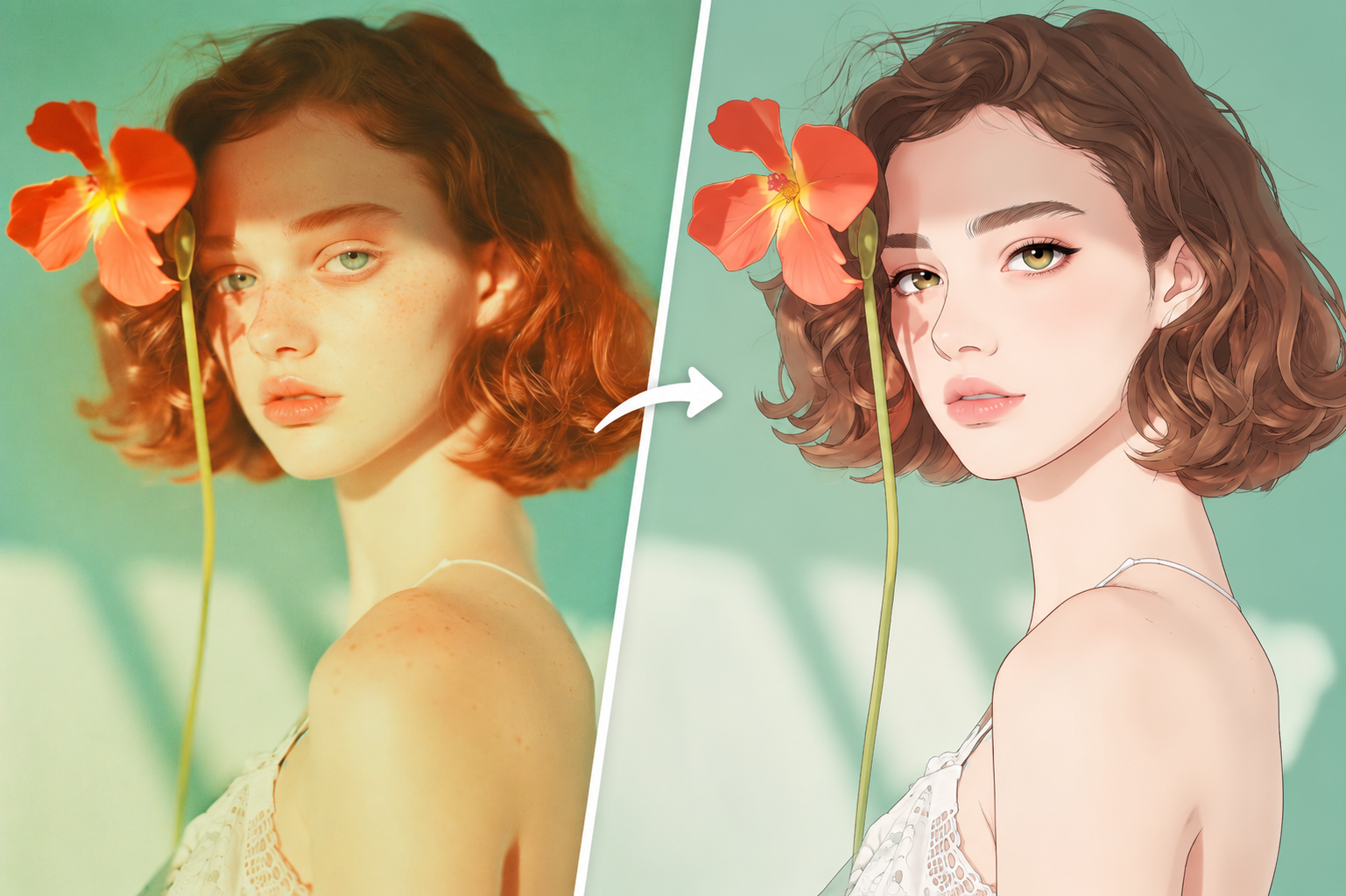
How to Use Style Transfer on the Foneo AI Photo Editing App
Learn how to use Style Transfer on Foneo AI to transform your photos with ready-made Templates or custom Prompts and create unique visual styles.
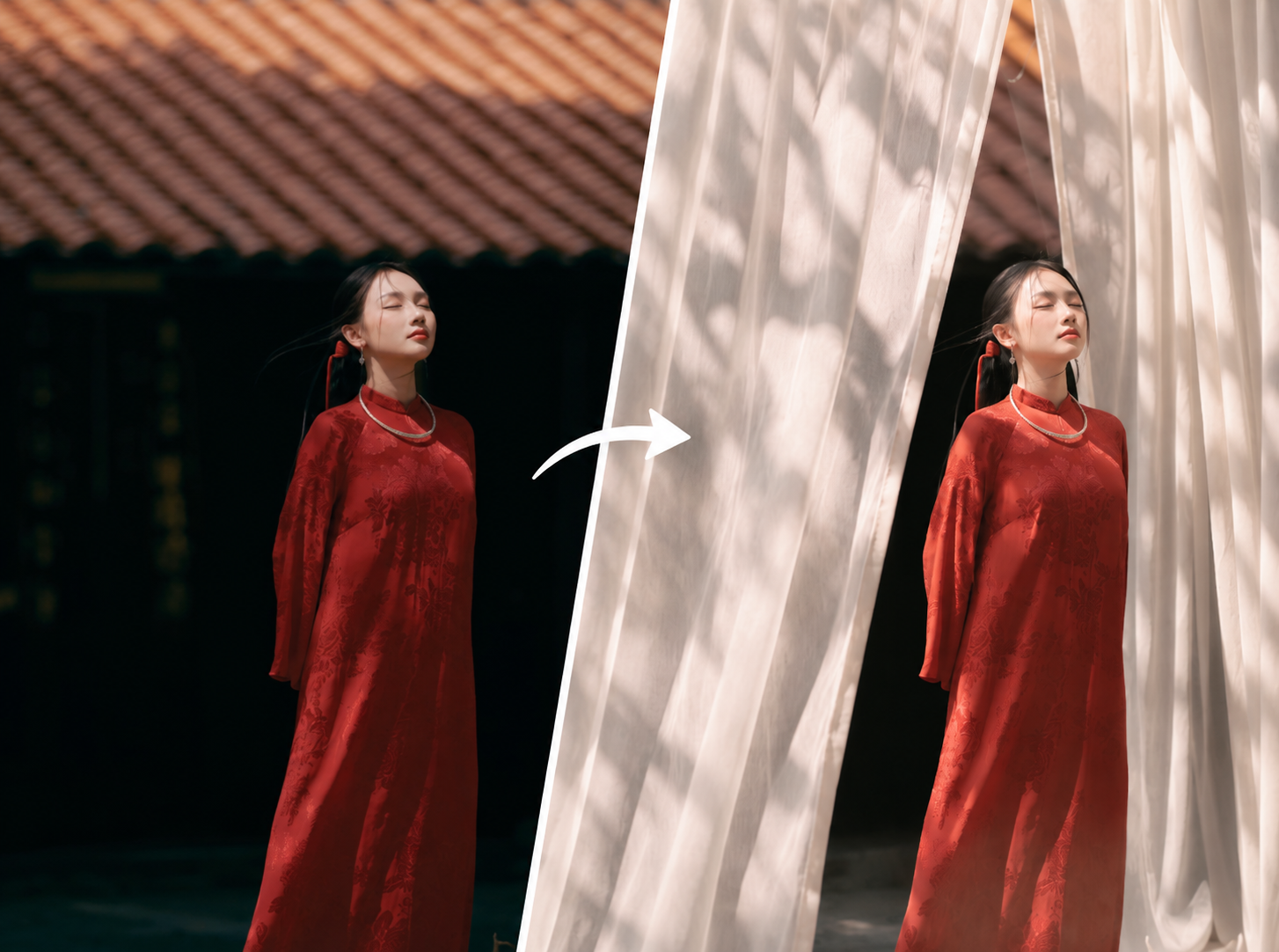
How to Use Prompt Edit on the Foneo AI Photo Editing App
Learn how to use Prompt Edit on Foneo AI to edit photos with custom text prompts and create precise, natural-looking results.
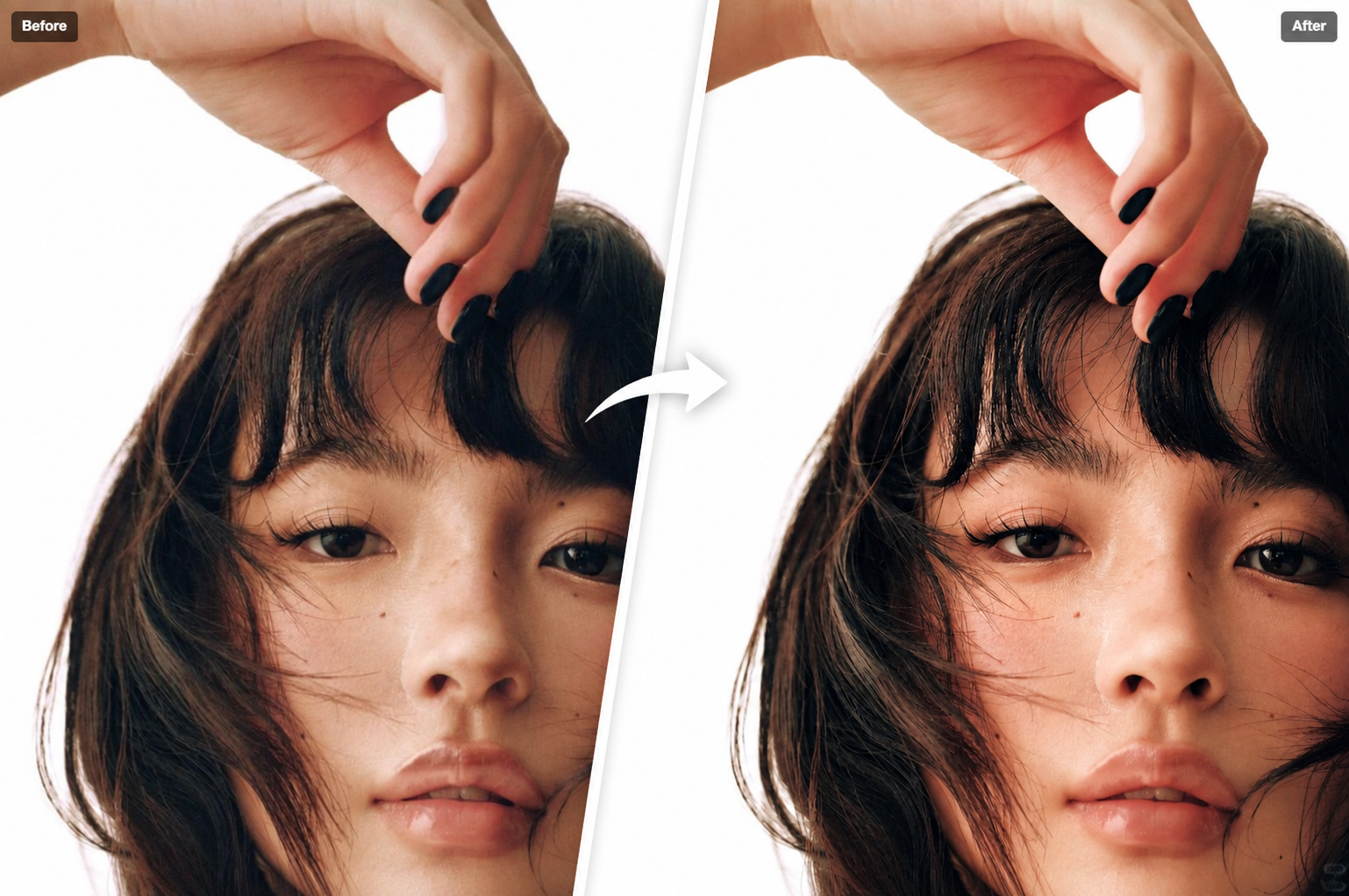
How to Use Enhance Face on Foneo AI Photo Editor
Learn how to use Enhance Face on Foneo to sharpen facial details and improve portrait clarity with AI in just a few simple steps.

How to Use the Product Enhancer Feature in Foneo AI Photo Editor
Learn how to use Product Enhancer in Foneo AI to clean up product images, remove imperfections, and improve surface details with AI.
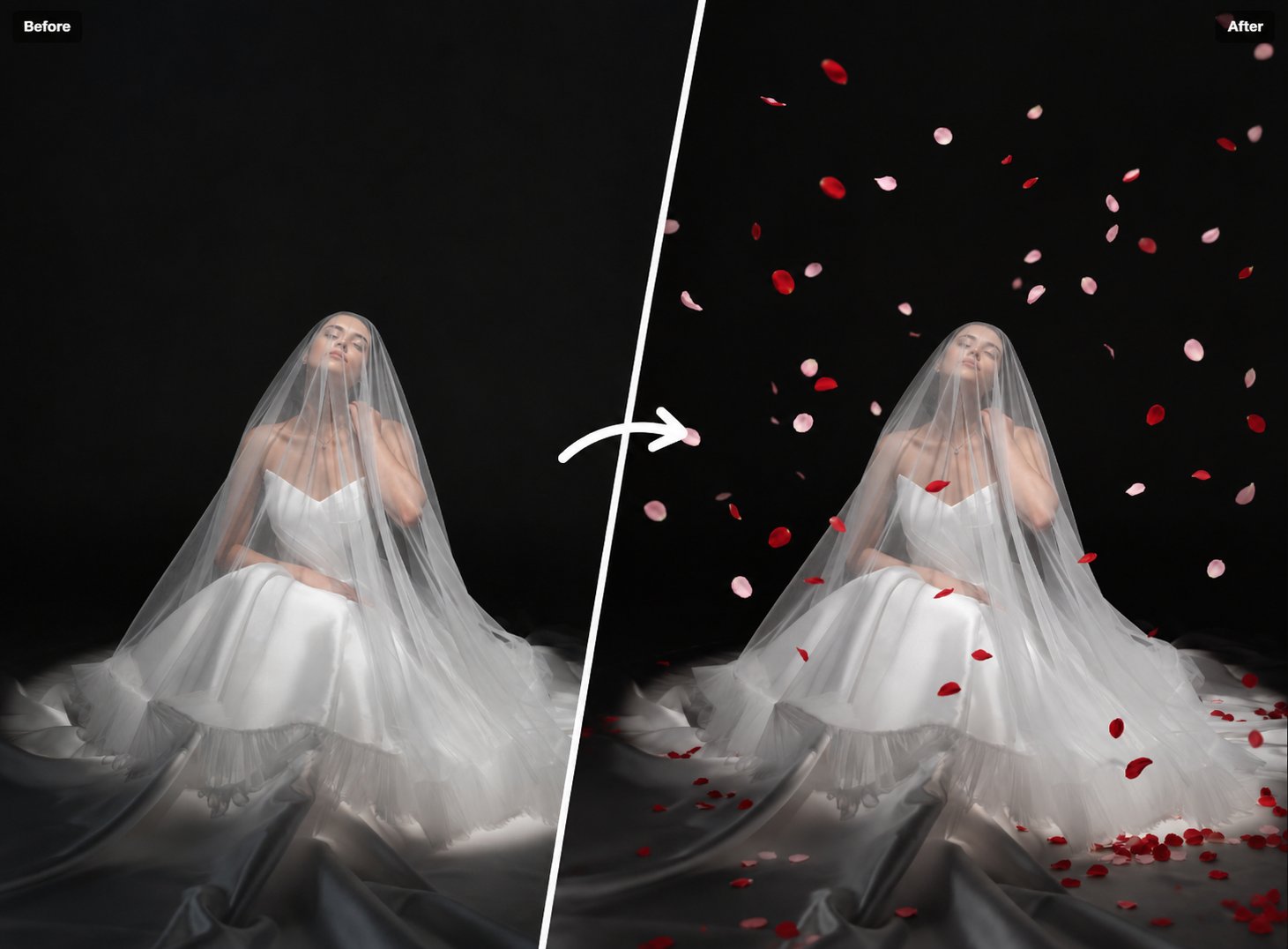
How to Use Falling Effects on Foneo AI Photo Editor
Learn how to use Falling Effects on Foneo to add petals, leaves, snow, and other falling effects to your photos with AI using Templates or Prompts.
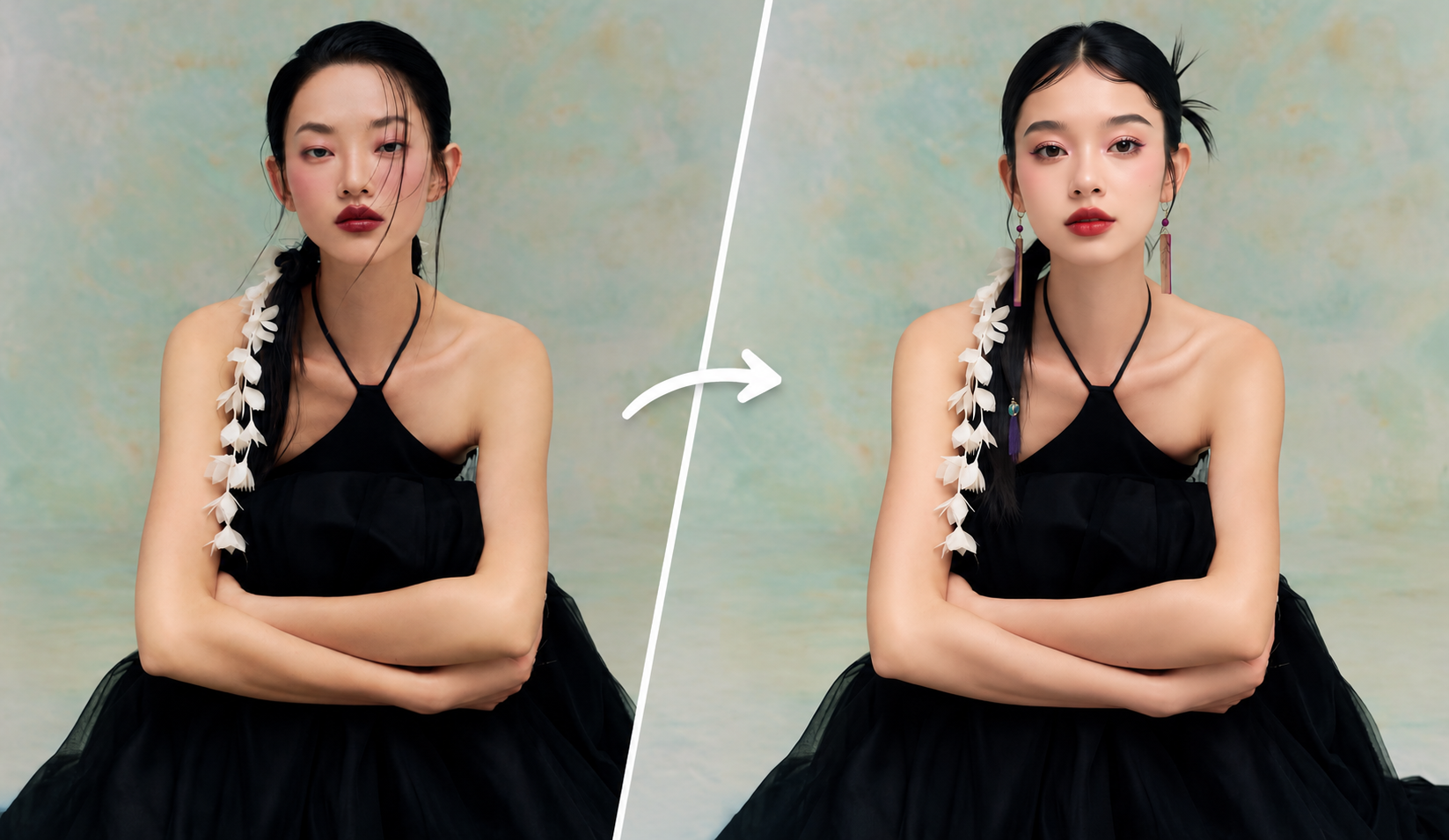
How to Use Copy Pose on Foneo AI Photo Editor
Learn how to use Copy Pose on Foneo to apply a selected face to a reference pose and composition using AI.
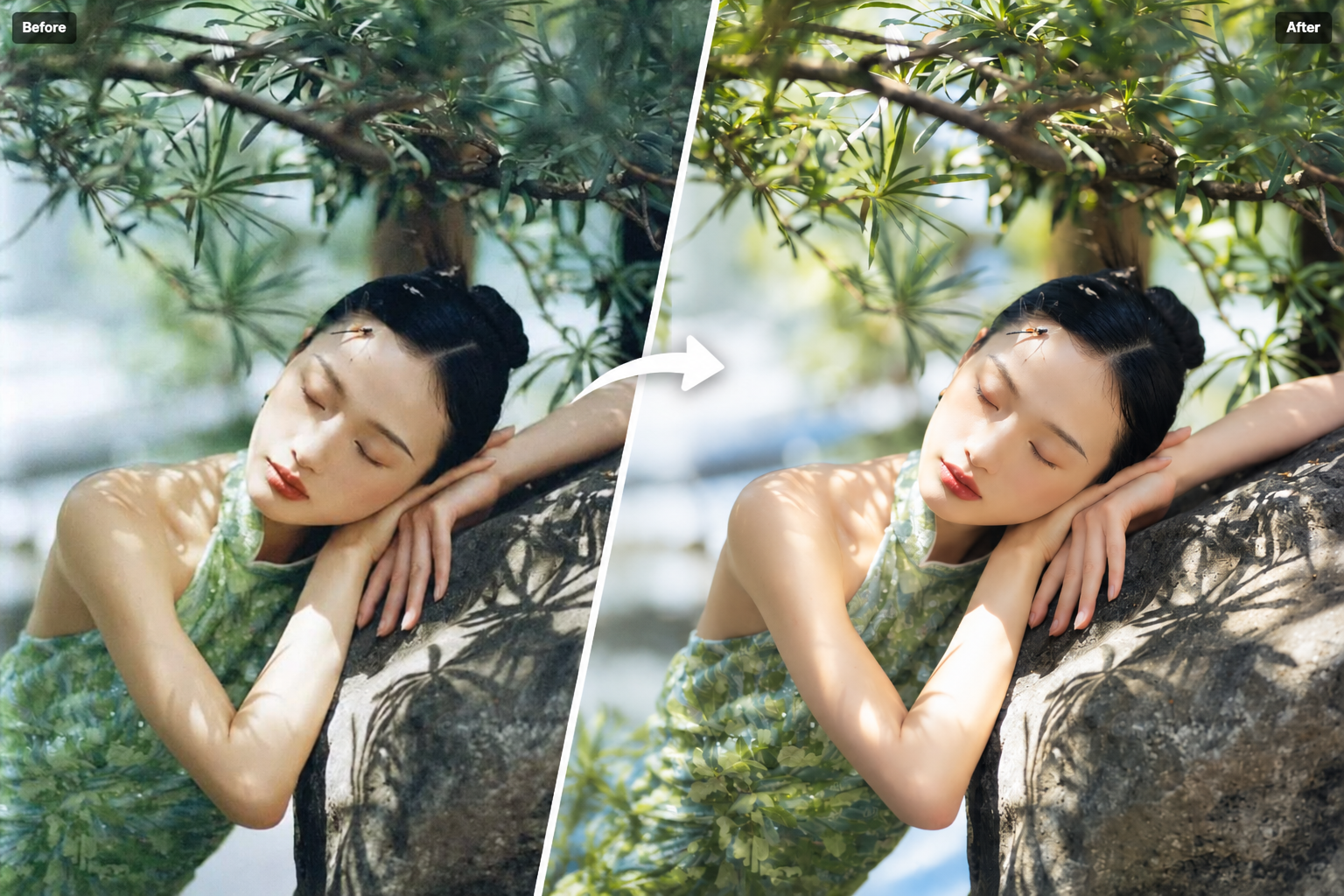
How to Use Detail Enhance on Foneo AI Photo Editing App
Learn how to use Detail Enhance on Foneo to sharpen blurry images, improve clarity, and enhance image details with AI in just a few simple steps.
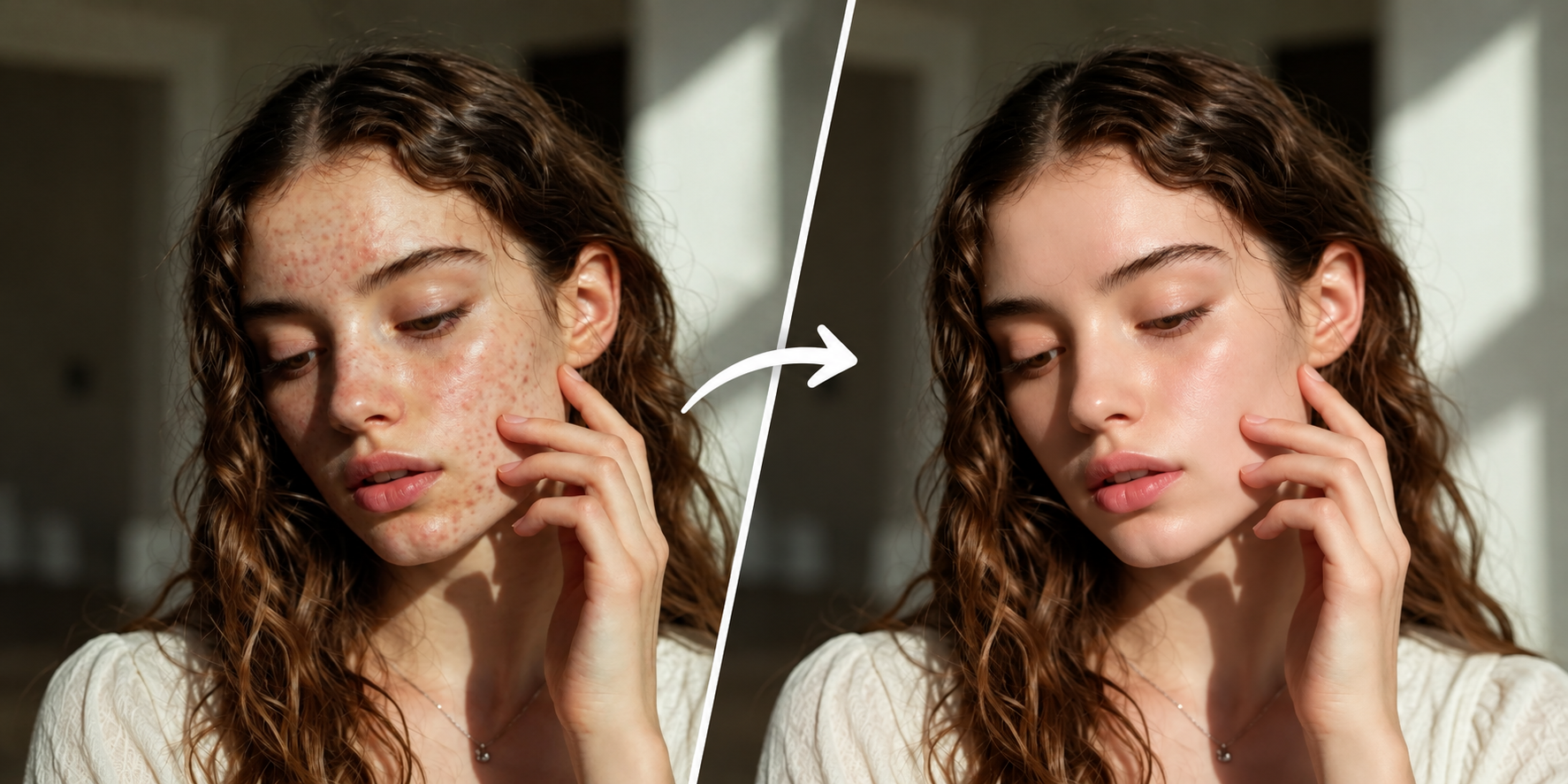
How to Use the Skin Retouch Feature on Foneo AI Photo Editor
Learn how to use Foneo's Skin Retouch feature to smooth, brighten, even skin tone, and enhance skin details with Custom settings or AI Prompts.

How to Use Architecture Enhancer on the Foneo AI Photo Editing App
Learn how to use Architecture Enhancer on Foneo AI to enhance architecture, interior, and building images with custom styles and prompts.
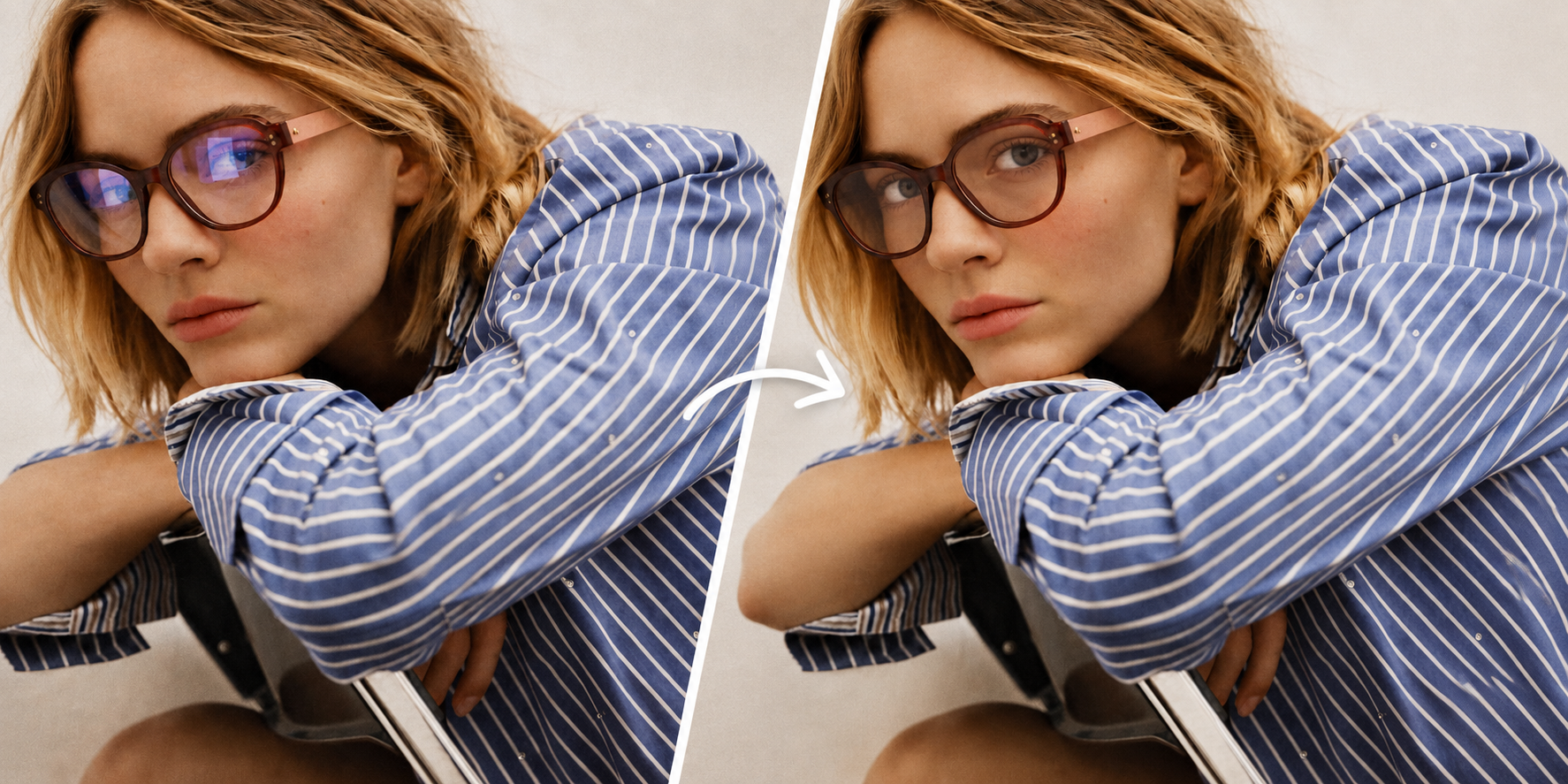
How to Use Reflection Removal on the Foneo AI Photo Editing App
Learn how to use Reflection Removal on Foneo AI to remove unwanted glass reflections from windows, glass doors, and display glass.
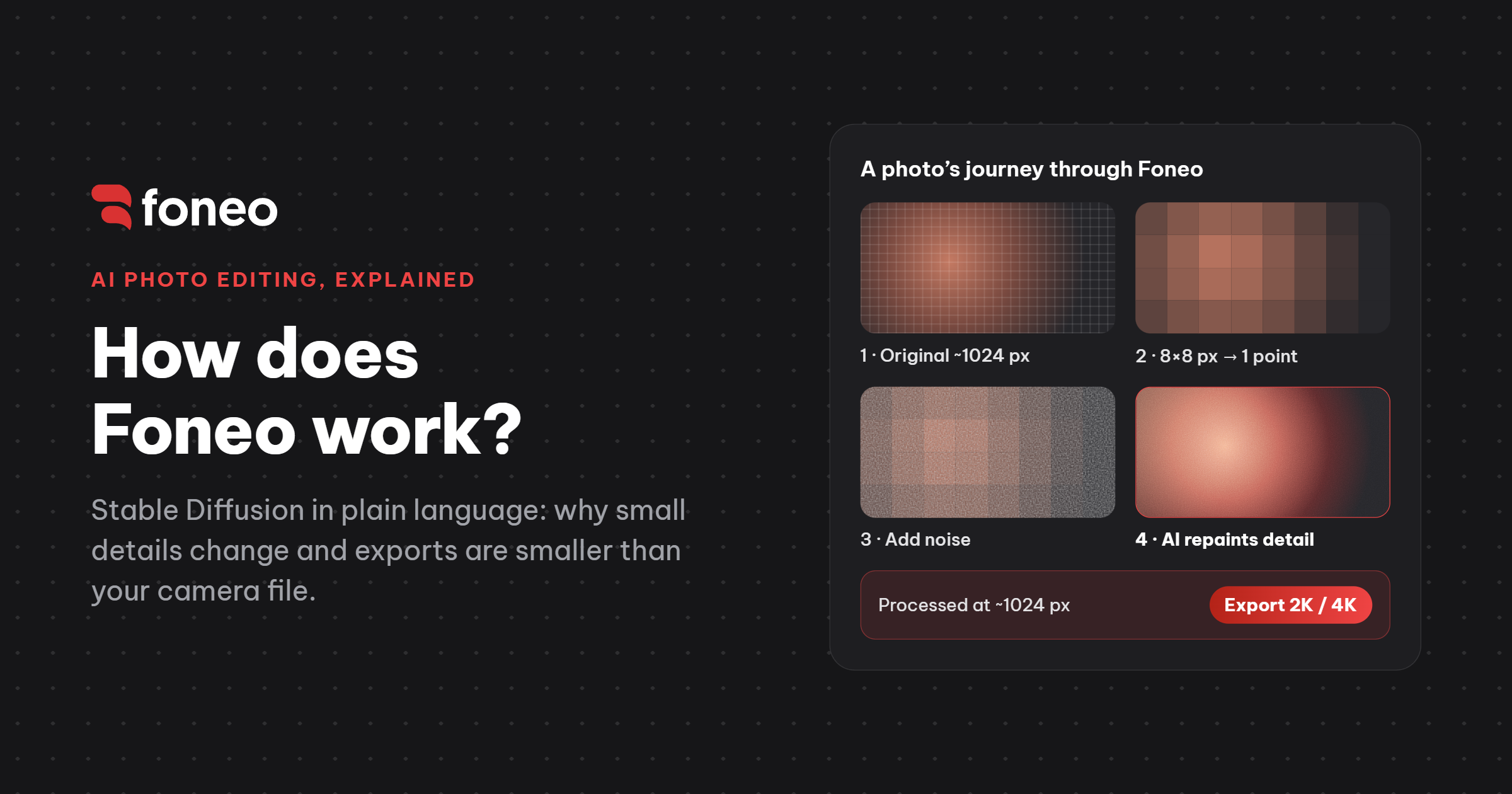
How Foneo Works: Stable Diffusion Explained Simply for Photographers
You run a portrait through Foneo and the result looks great at a glance. Then you zoom to 100%: the earrings have a different design, the lettering on the shirt is a little warped, and the exported file is smaller than the 24MP original from your camera. That isn't a bug. It's how generative AI works. This article explains the mechanism with everyday comparisons, no math and no code. By the end you'll know why it happens, when to trust the AI, and how to bring back original detail when you need it.
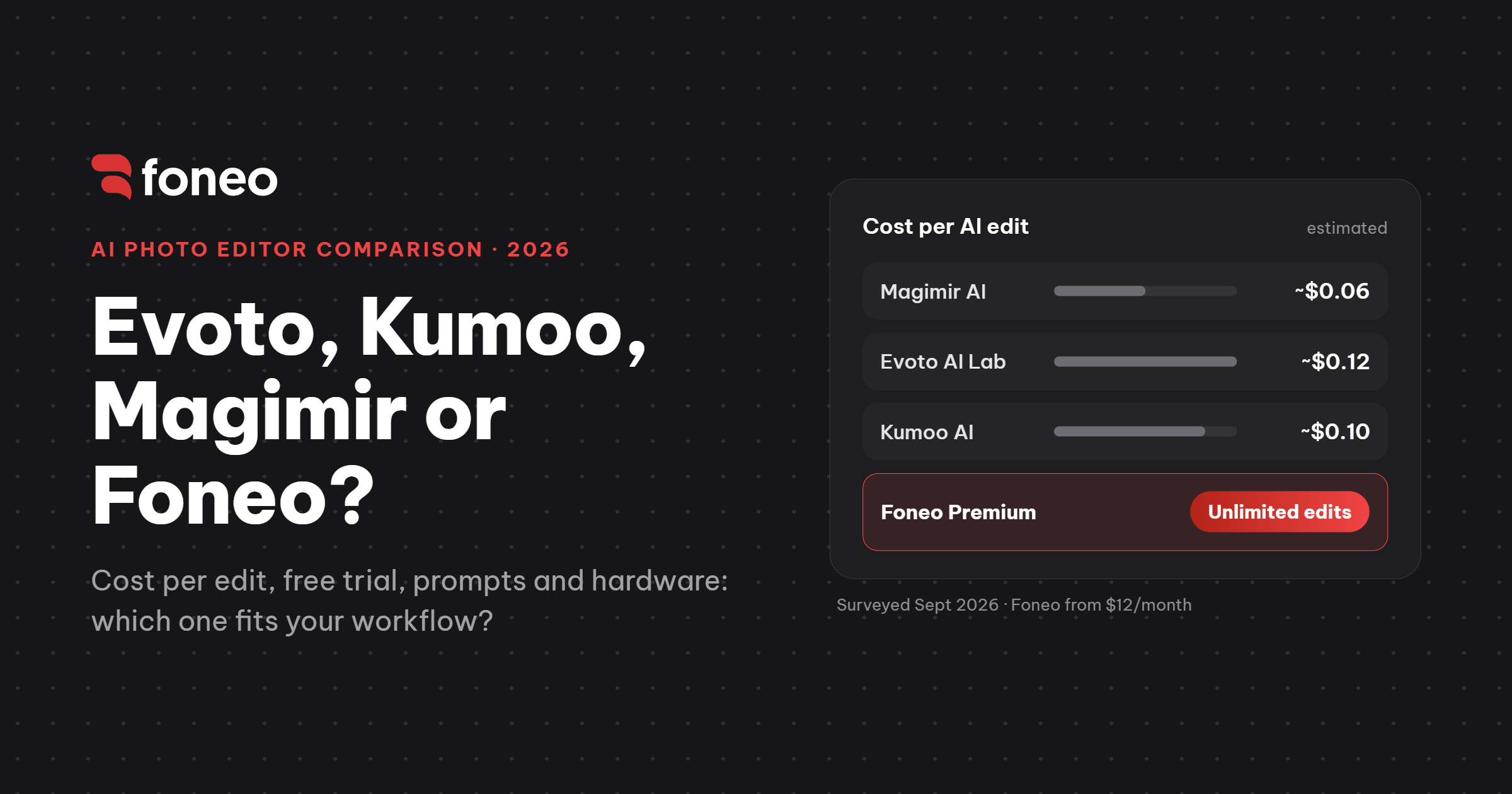
Evoto AI Lab vs Kumoo vs Magimir vs Foneo: Which AI Photo Editor Should You Use?
Evoto, Kumoo and Magimir all started as portrait retouching tools and have been adding generative AI features over time. Foneo went the other way: it takes generative AI workflows that are normally complex to set up and packages them as one-click tools. So the biggest difference between these four apps is not how many AI buttons they have. It is how you pay: the first three charge per use, while Foneo is a monthly or yearly plan with unlimited processing.

How to Use Upscale on the Foneo AI Photo Editing App
Learn how to use Upscale on Foneo AI to enhance images to 2K or 4K. Choose 2x or 4x to improve image resolution, sharpness, and details.
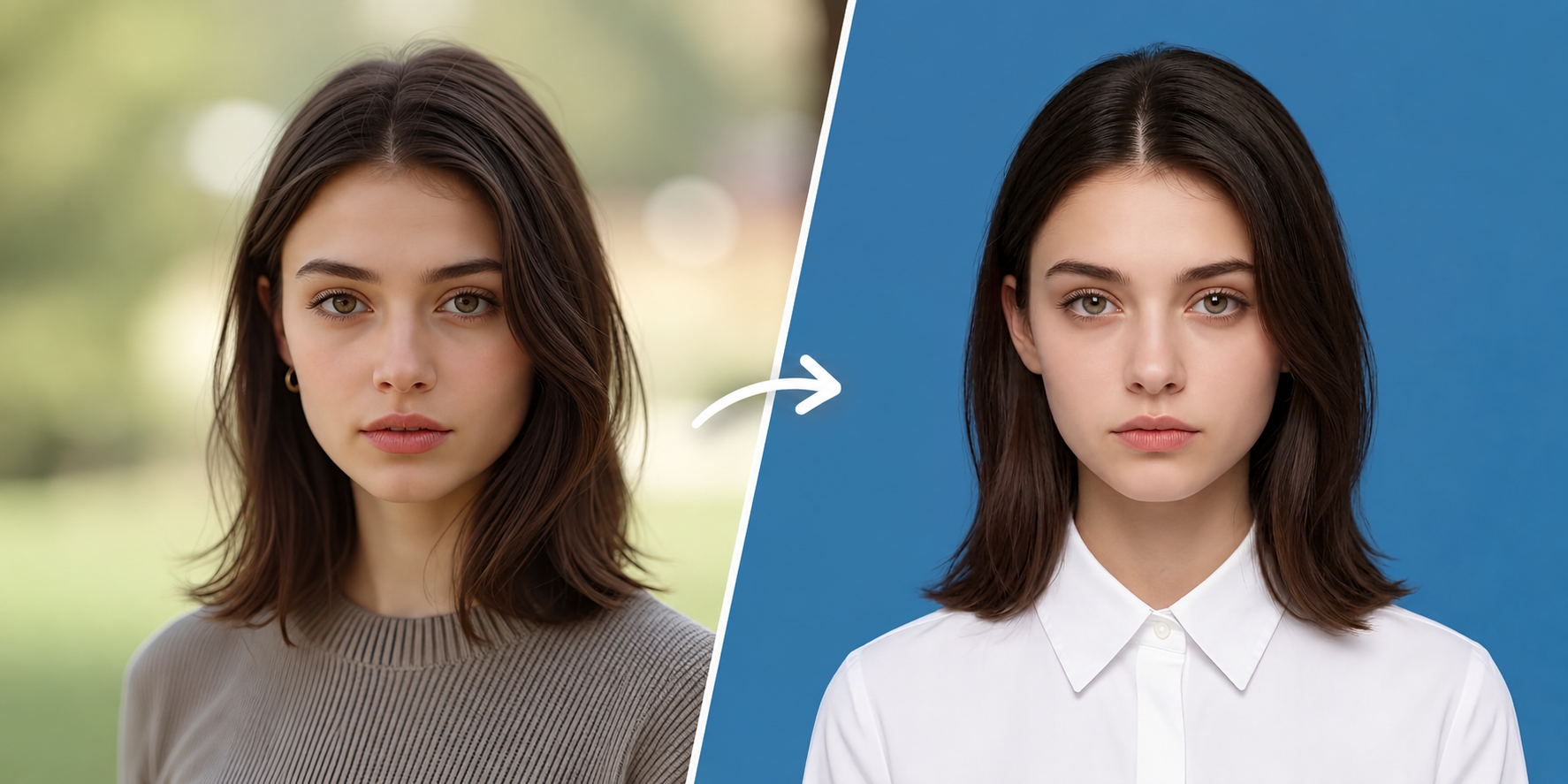
How to Use ID Photo on the Foneo AI Photo Editing App
Learn how to use ID Photo on Foneo AI. Create professional ID photos with Templates or Prompts, custom aspect ratios, background colors, and facial options.

How to Use Surface Transform on the Foneo AI Photo Editing App
Learn how to use Surface Transform on Foneo AI. Choose ready-made Templates or enter custom Prompts to create natural and realistic surfaces.
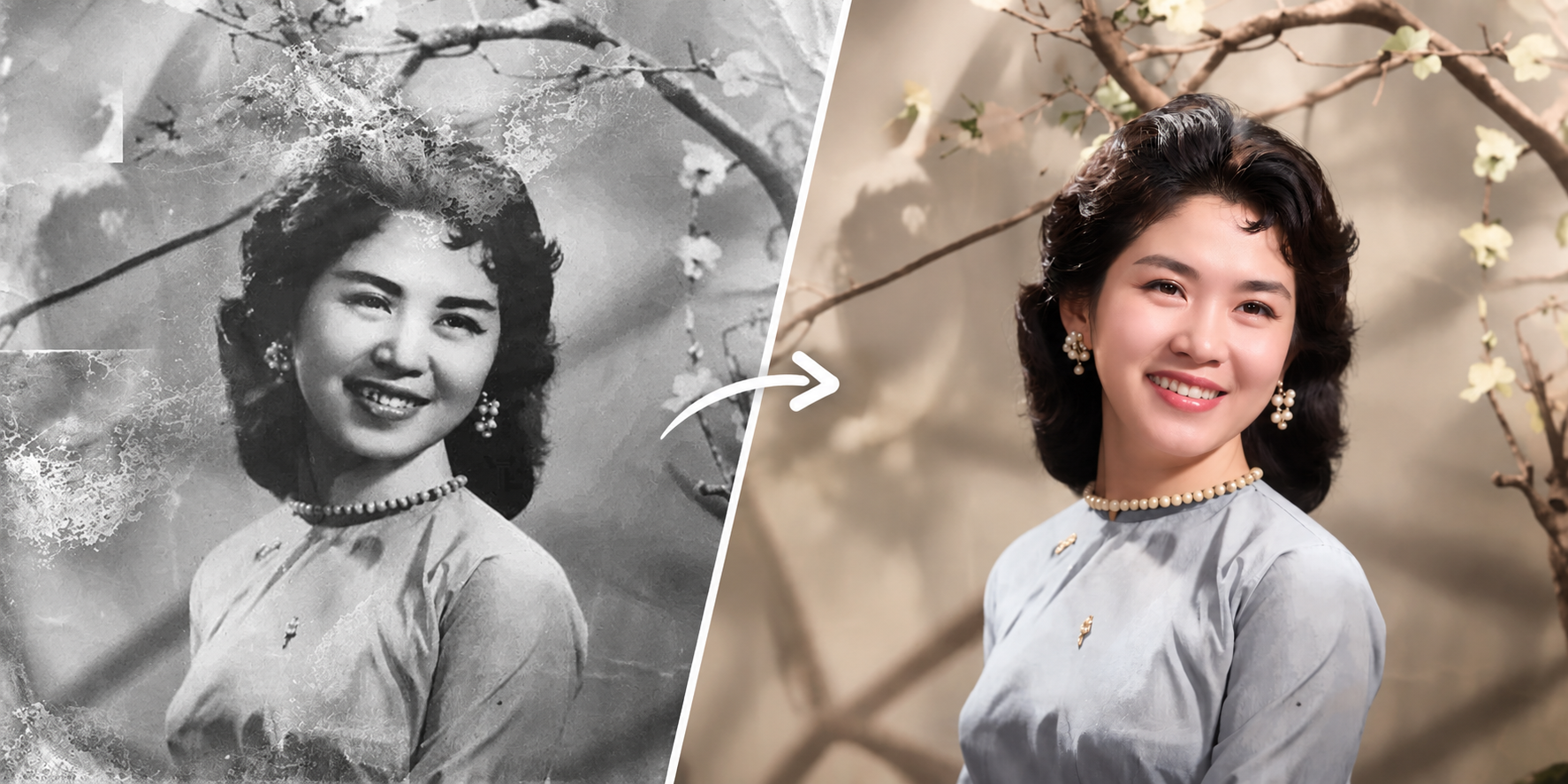
How to Use Restore & Colorize on the Foneo AI Photo Editing App
Learn how to use Restore & Colorize on Foneo AI to restore old photos, improve details, enhance colors, and customize results with prompts and restoration settings.
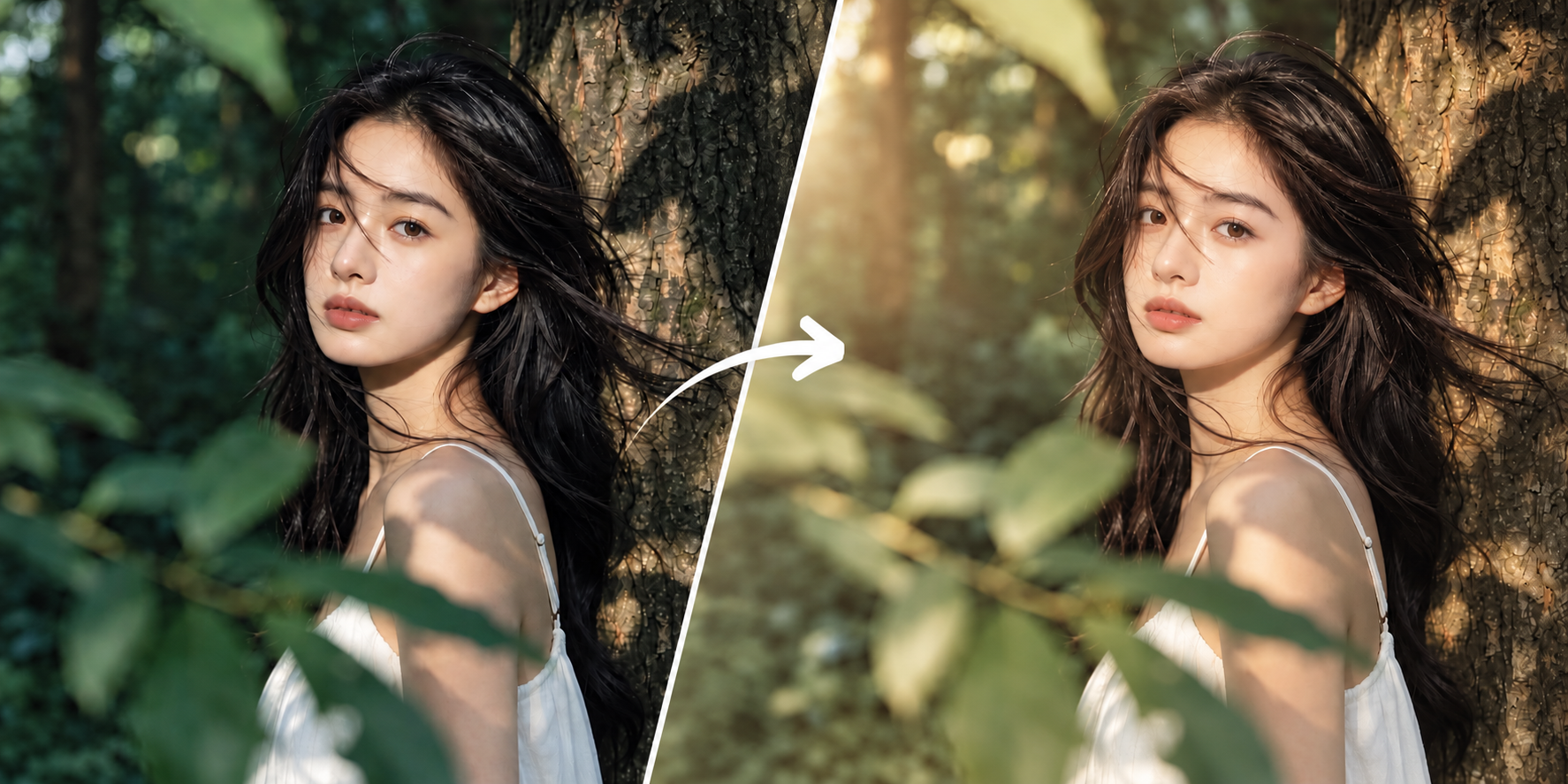
How to Use Weather Effects on the Foneo AI Photo Editing App
Learn how to use Weather Effects on Foneo AI. Choose ready-made Templates or enter custom Prompts to create natural and realistic weather effects.
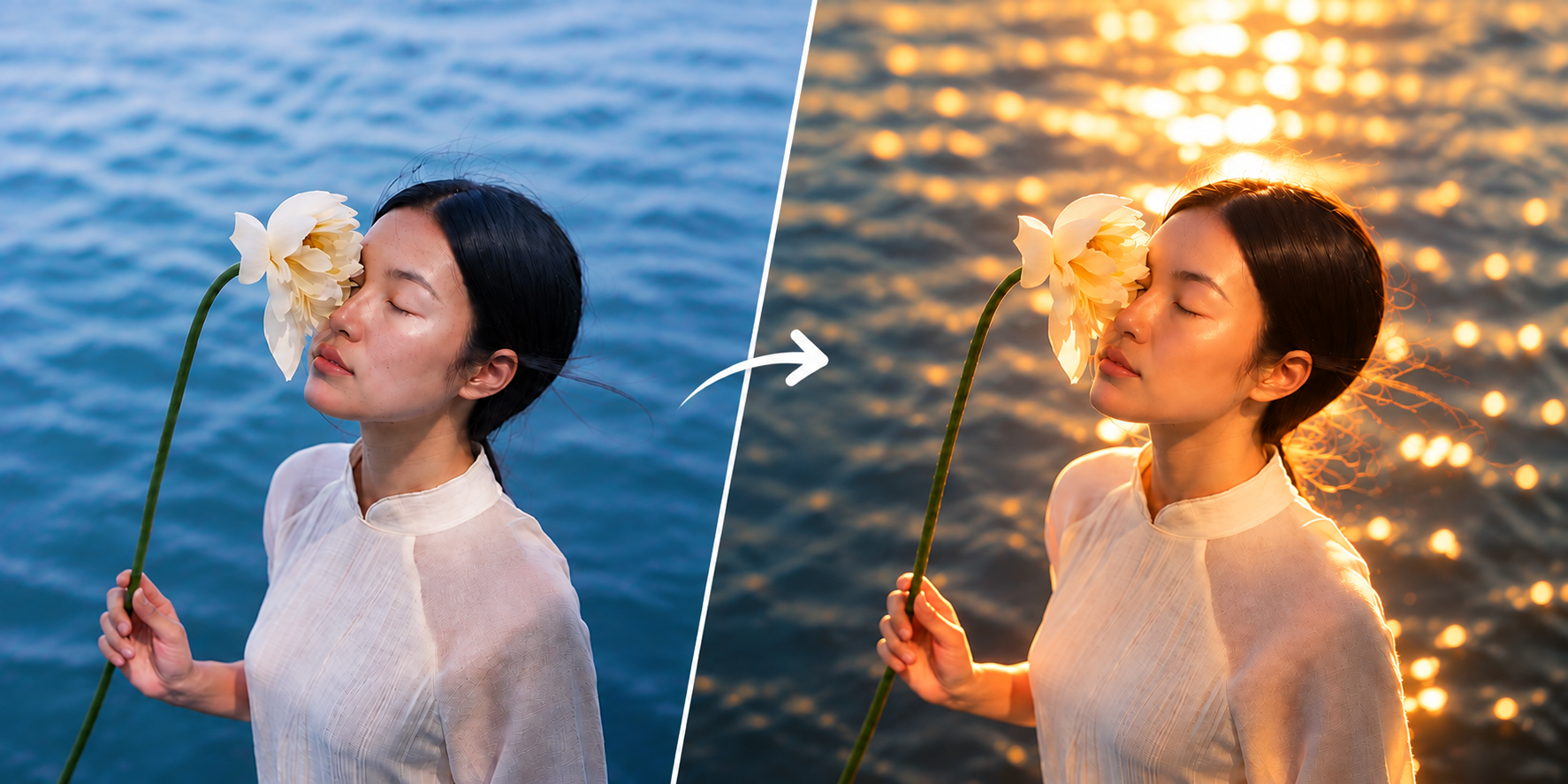
How to Use Lighting Effects on the Foneo AI Photo Editing App
Learn how to use Foneo Lighting Effects to enhance your photos with AI. Choose ready-made templates or create custom lighting effects with prompts.
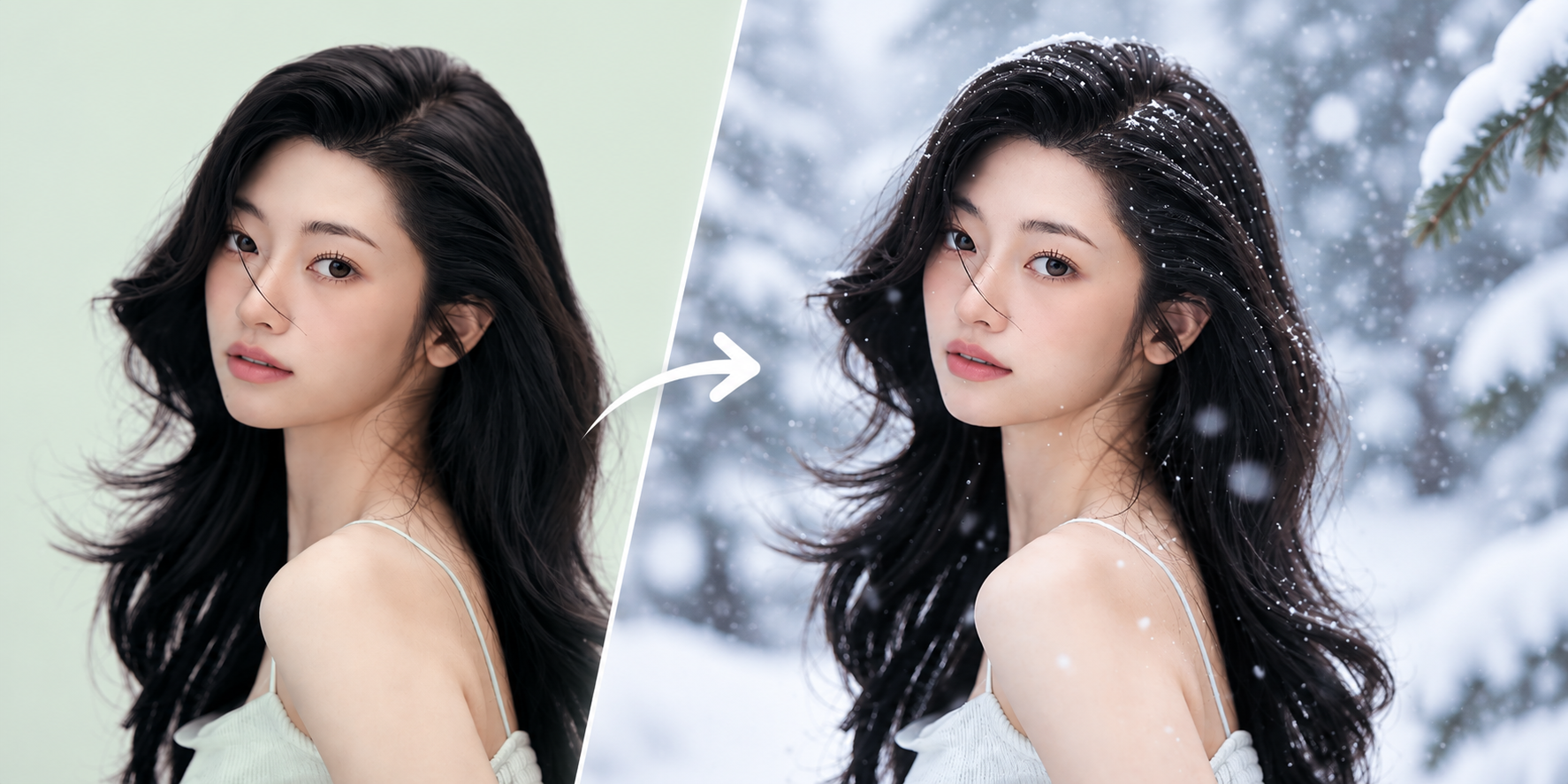
How to Use Portrait Effects on the Foneo AI Photo Editing App
Learn how to use Portrait Effects on Foneo AI to transform portrait backgrounds, lighting, colors, and atmosphere with Templates or custom Prompts.